

The technological evolution has brought to the film industry. We have moved from black-and-white films to color ones, and from...

12 August, 2024

Ad libraries are collections of ready-to-use ads for creating marketing campaigns. They help marketers find ideas and build effective strategies. This article discusses popular ad libraries and their benefits for successfully promoting products and services.
The Advertising Library is a collection of ready-to-use ad materials for campaigns, including images, videos, and texts. Ad libraries are crucial in modern marketing, providing access to a variety of solutions for effective campaigns. In this blog, we will tell you about the most popular ones and explain how to work with them.
The main goals of advertising libraries are transparency, competitive analysis, and idea generation.
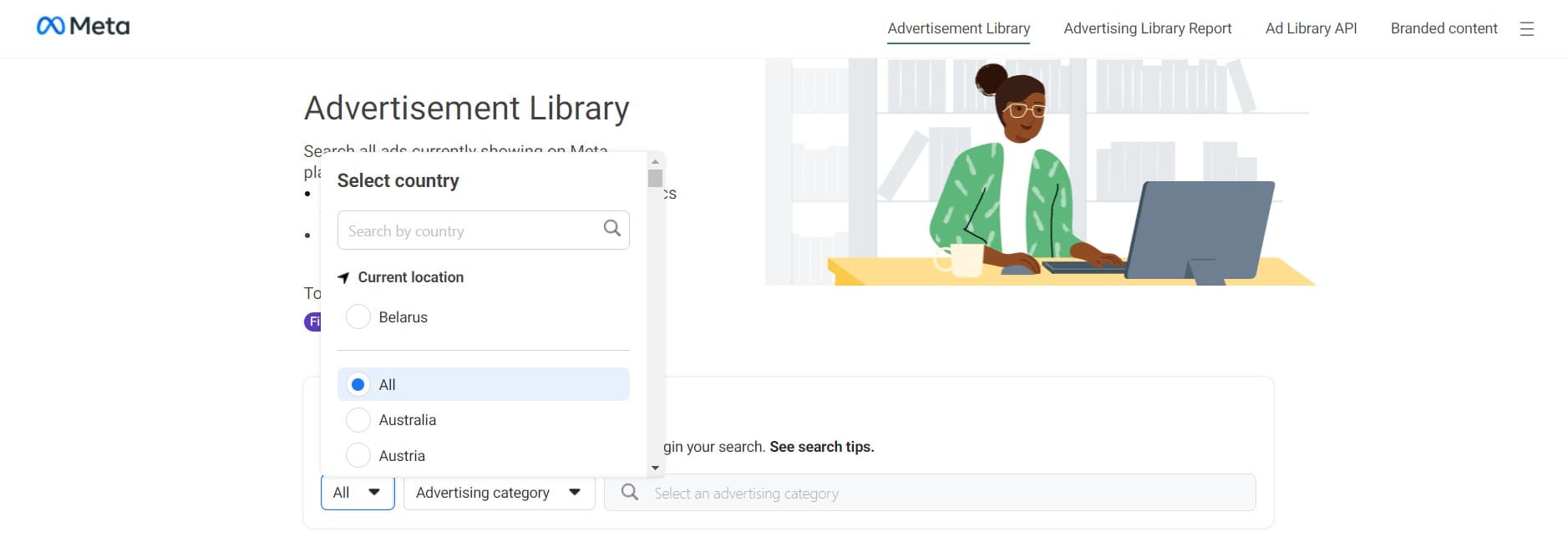
The Facebook Ads Library is a large online database containing all active ads on Facebook, Instagram, Messenger, and Audience Network, accessible to everyone without login.
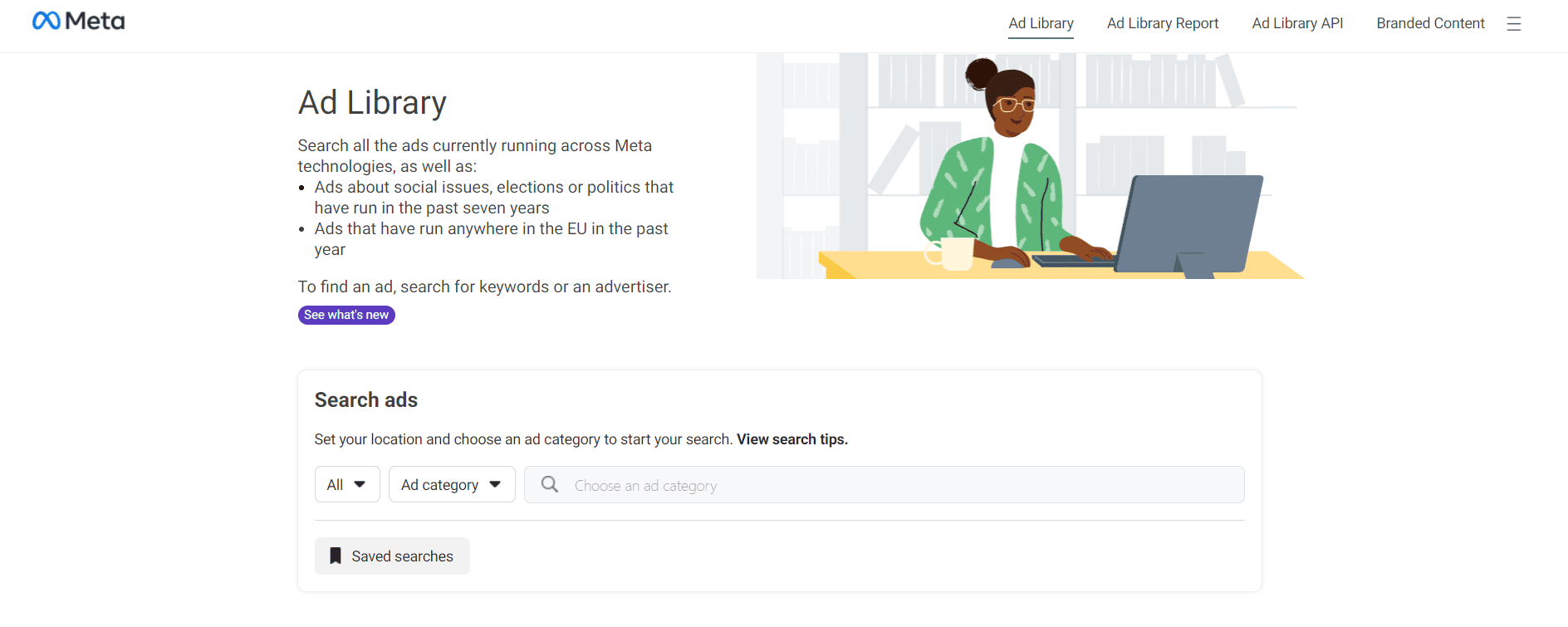
Detailed information about ads is available.
Download images and videos used in ads for inspiration.
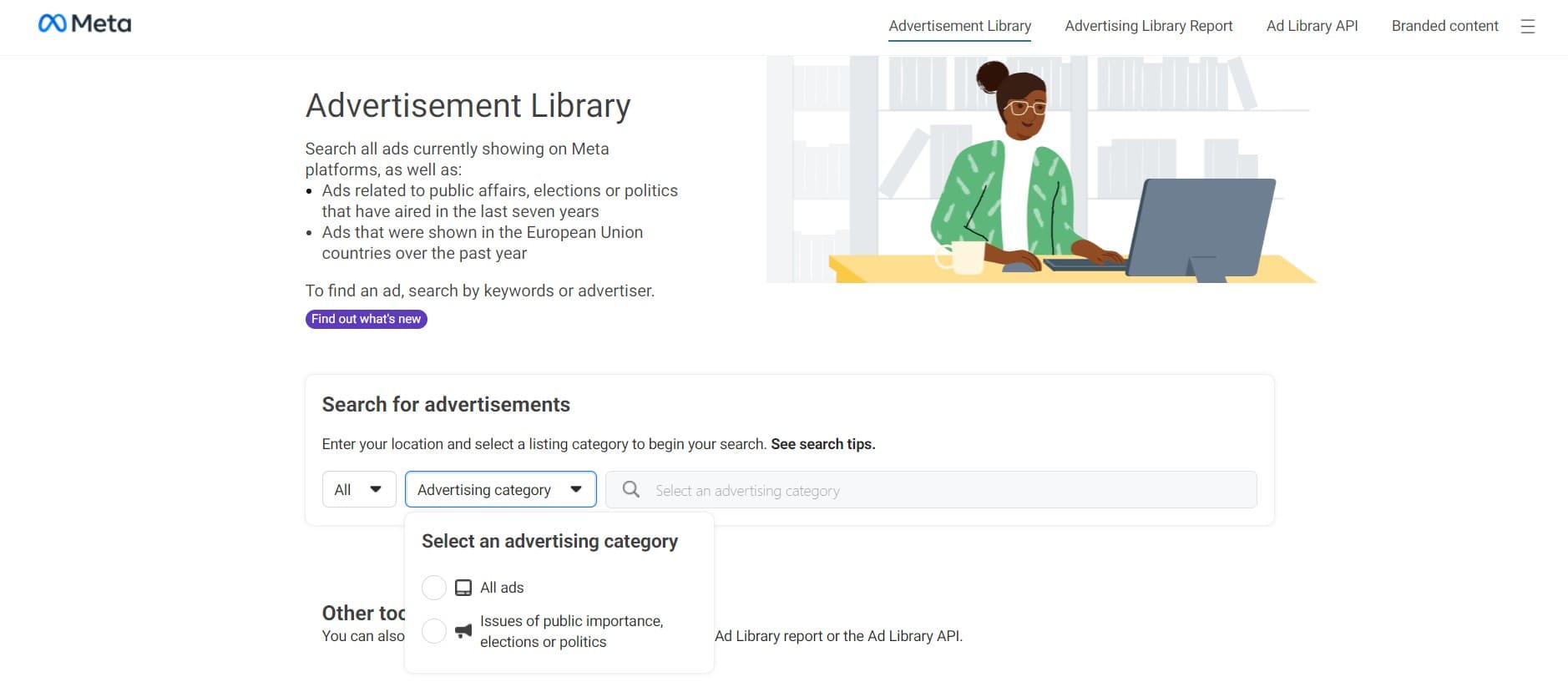
You can choose all ads available in the Facebook Advertising Library or ads related to social issues, elections, or politics.

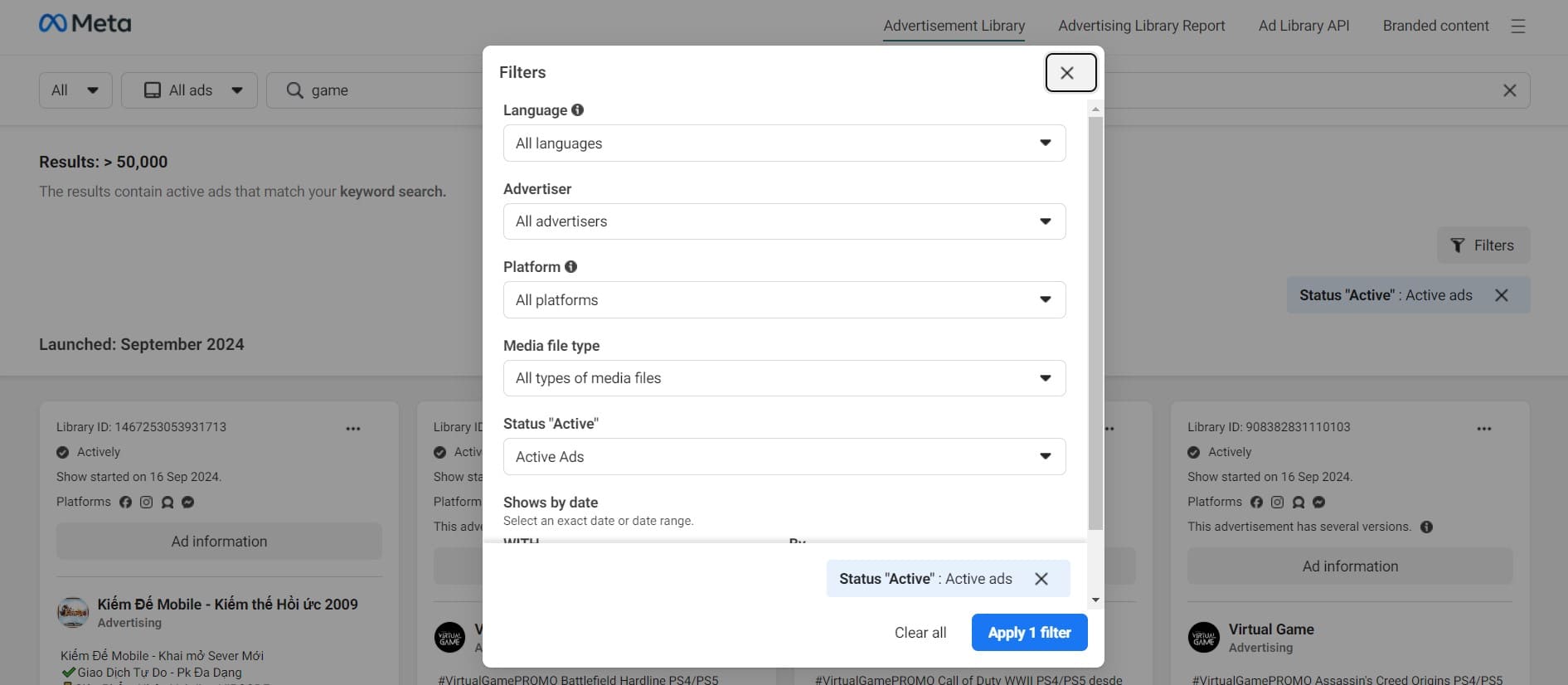

You can learn the Library ID, the status of the ad campaign, when exactly the specific creative started running, and on which specific Meta platform it was shown. You can also learn about the advertiser and view the ad creative with the accompanying text.

Overall, Facebook Advertising Library is an intuitive service where you can find ads based on the necessary criteria and queries.
Google Ads Library is a free online tool provided by Google that allows you to view, research, and analyze ad campaigns launched through the Google Ads platform.
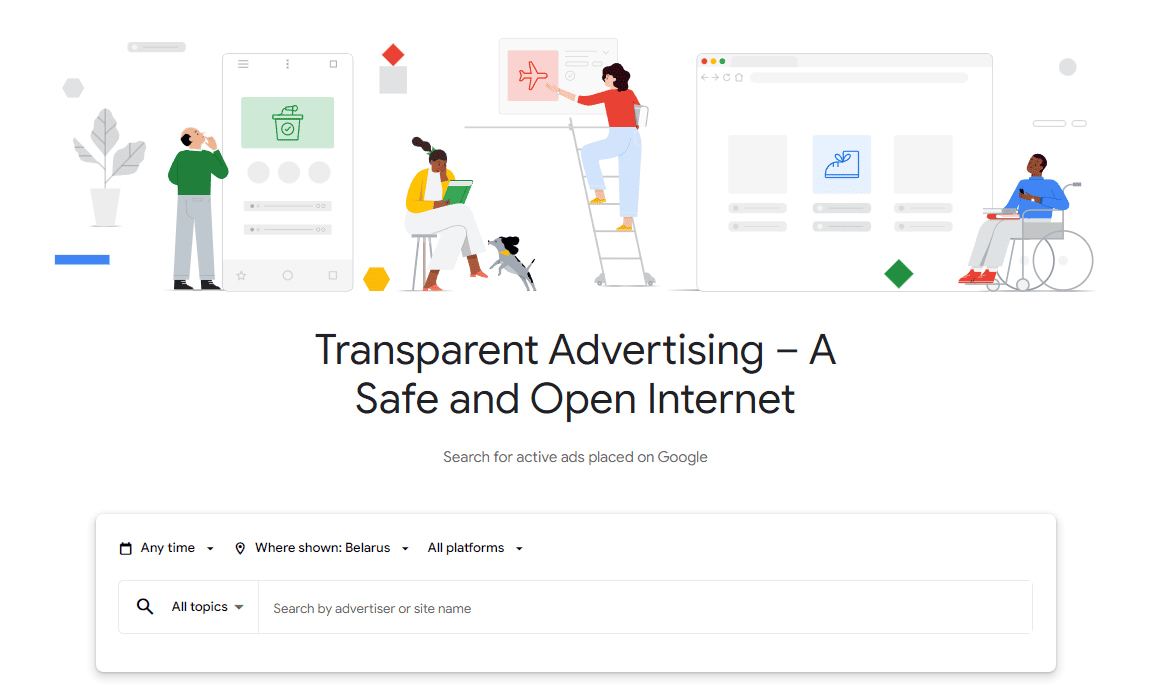

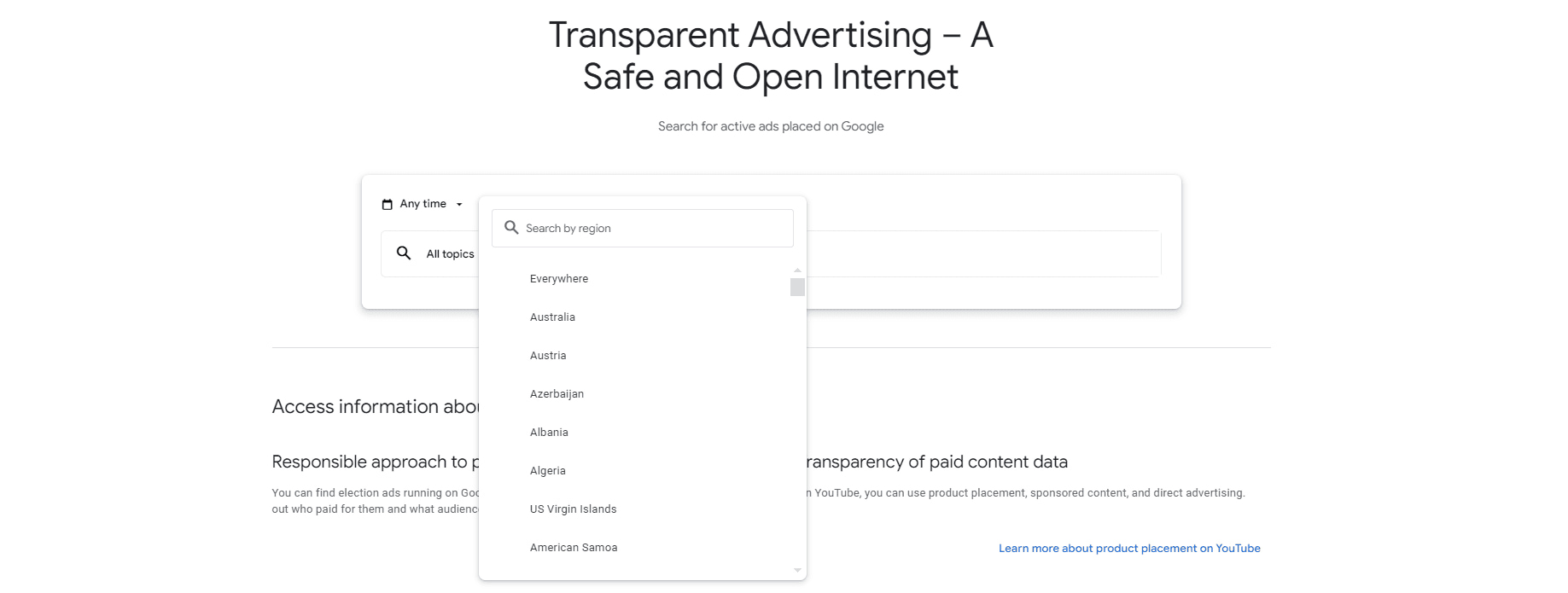
You can sort by the country where the ad will be shown:
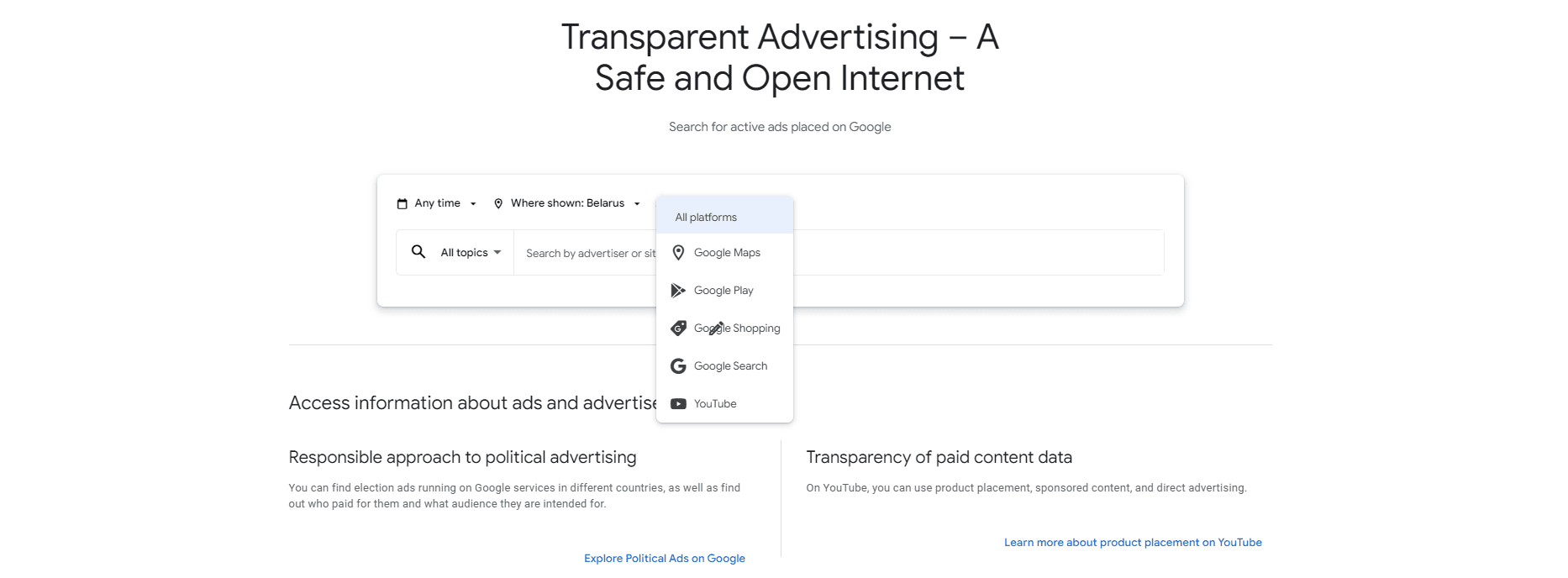
Additionally, you can choose the required format:

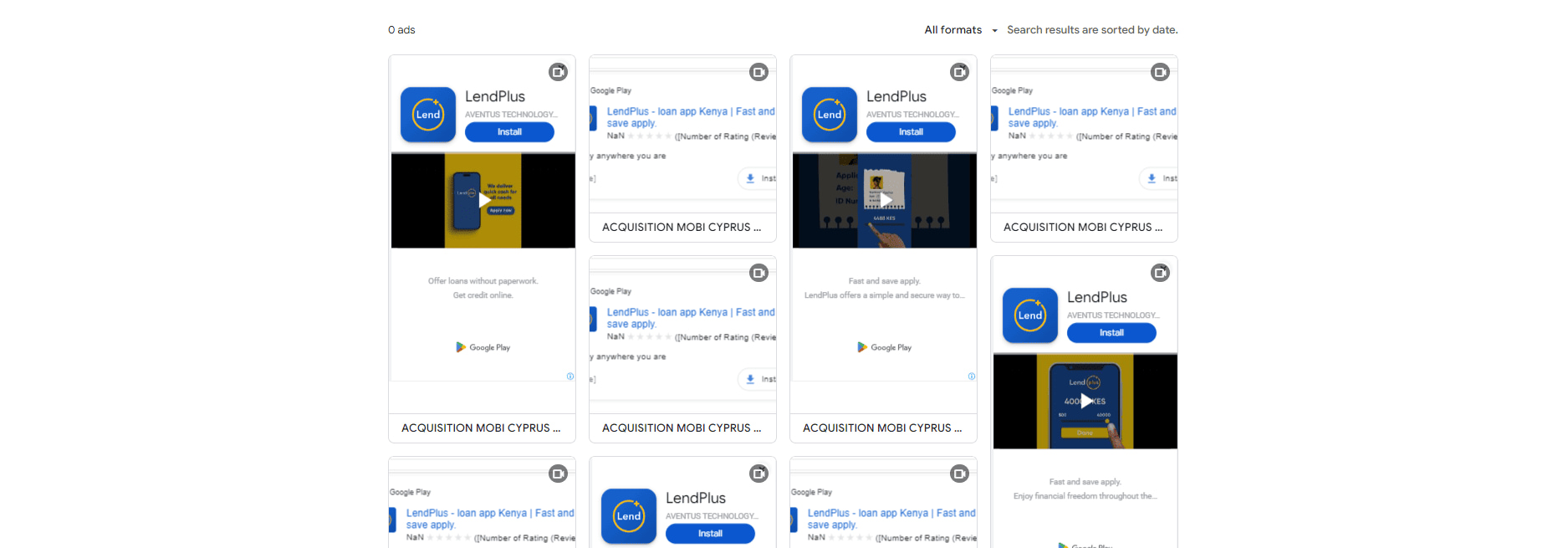

Overall, the Google Ads Library provides all the necessary information about the company and the ads provided. However, compared to the Meta Ad Library, Google has significantly less functionality.
TikTok Creative Center is a platform by TikTok that provides information about advertising campaigns launched on TikTok. This helps users track various ads and learn about companies’ marketing strategies on this popular social network.

TikTok Creative Center offers detailed information about each advertising activity in the library, although not all creatives are included—only those approved for publication by the advertiser.
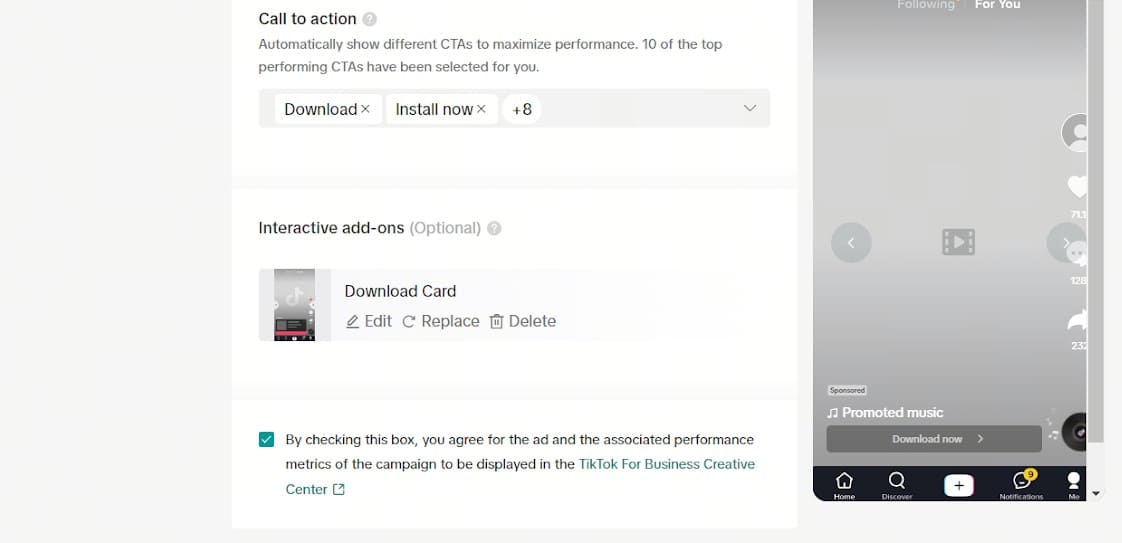
If an advertiser refuses to add their video to the TikTok Creative Center, they simply do not check the publication box for the ad library.
Upon opening the TikTok Ad Library, you’re directed to the main page, where various videos on different topics are displayed. Without setting the appropriate filters, finding the needed creatives can take a while.

To locate the desired video, you can use filters or enter keywords.
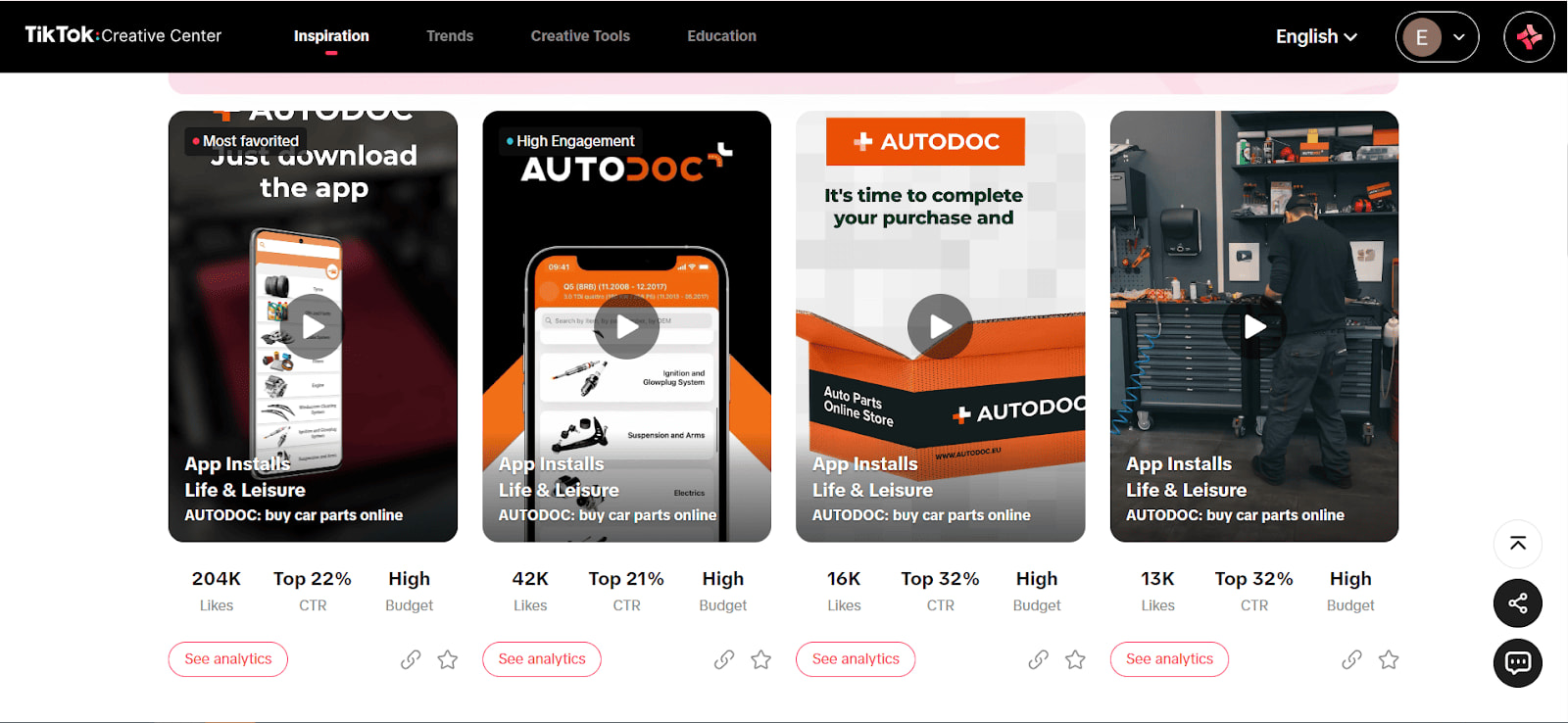
When viewing a specific ad, you can check the number of likes, CTR, and the budget allocated to the campaign. TikTok doesn’t provide exact numbers but estimates the expenditure.
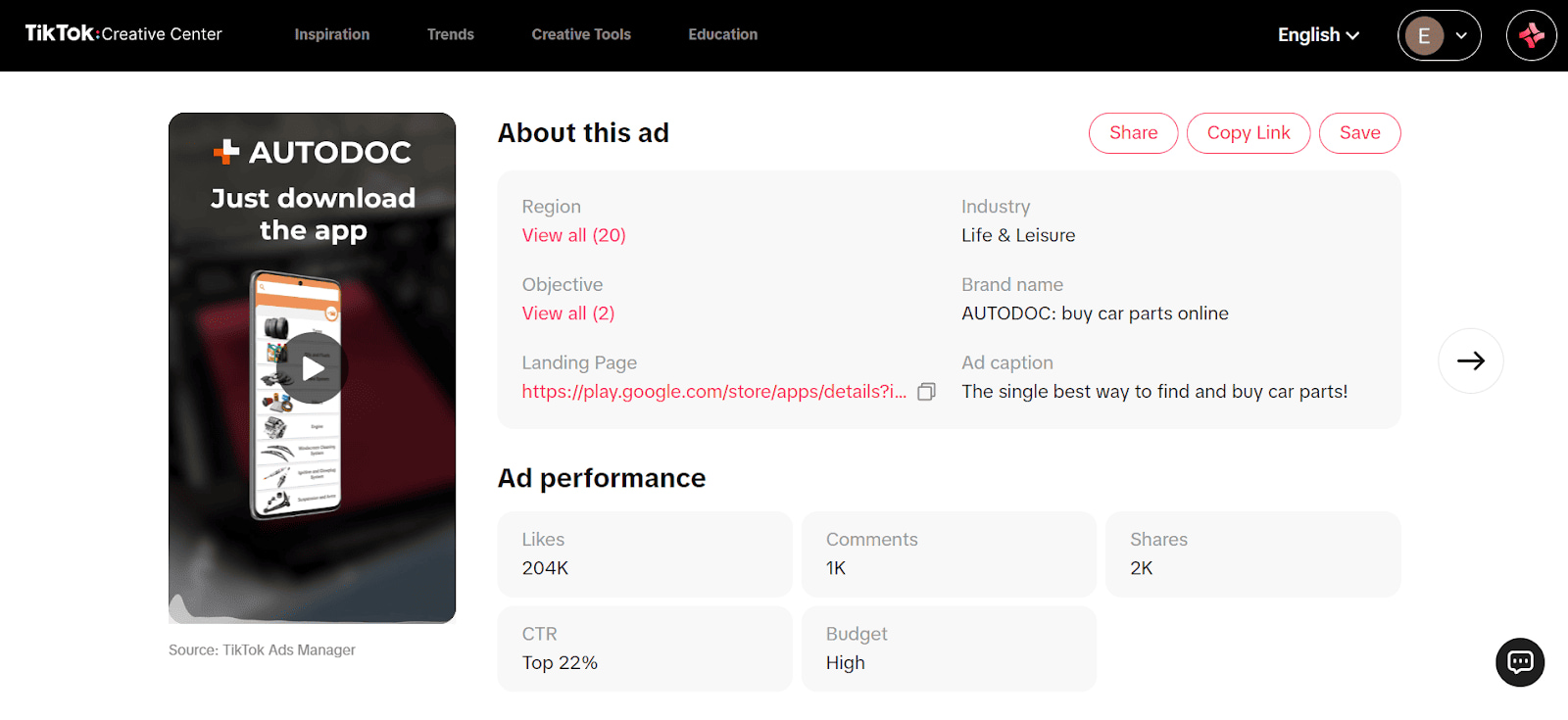
In a deeper analysis, you can see:
TikTok Creative Center shows campaign results metrics:
Additional features include tracking at which second of the video specific actions were taken.
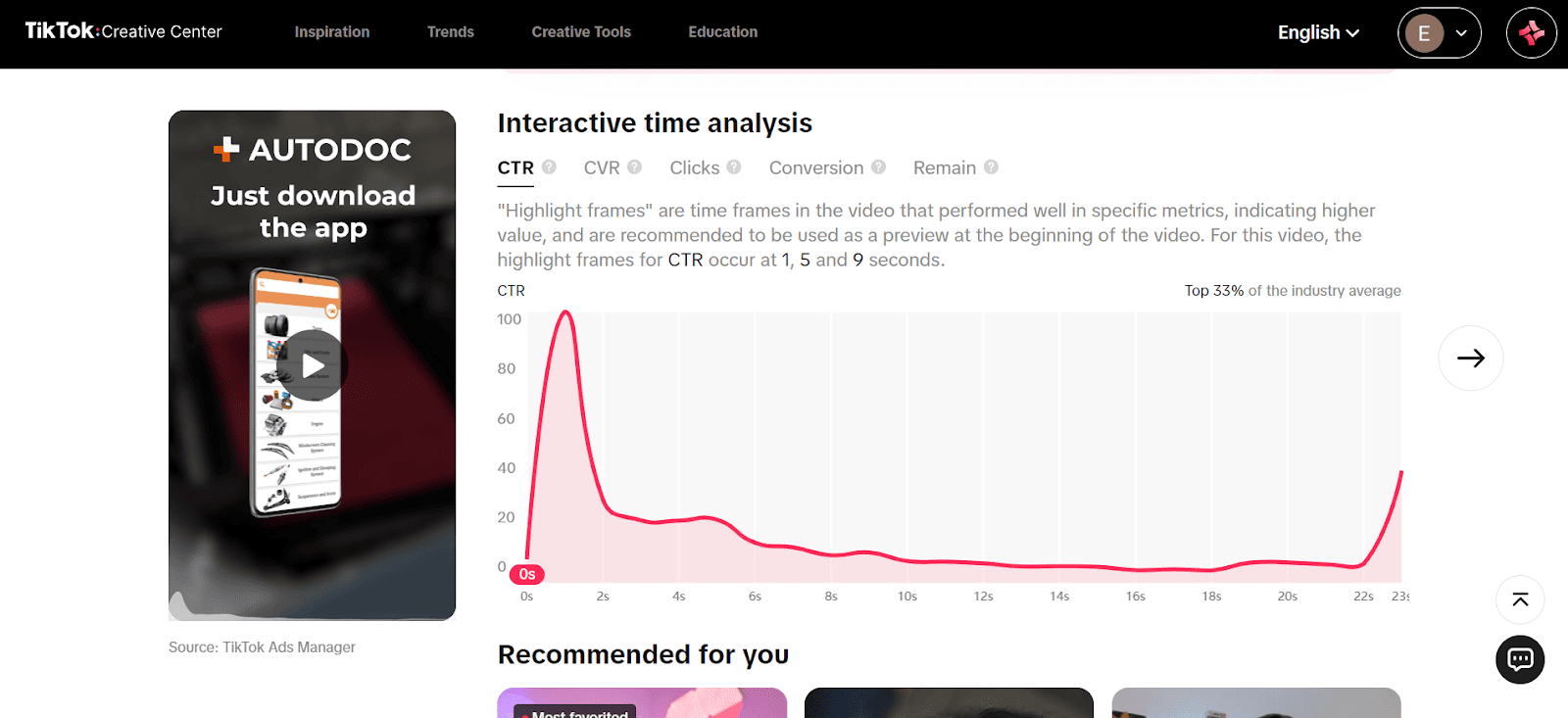
You can also monitor CTR, CVR, clicks, conversions, and the number of users who watched the ad to the end. Absolute CTR figures aren’t available, but relative values can be viewed.
TikTok advertising library has a user-friendly interface with many filters to find the ads you are interested in.
Note that ads in TikTok Creative Center are only included with the advertiser’s consent, making the service somewhat limited in ad viewing.
An additional advantage is that TikTok provides numerous metrics, making it an invaluable tool for finding top creatives in the TikTok Creative Center.
The Apple Ad Repository is a service provided by Apple that allows users to view and analyze advertising materials created and launched by companies across various placements within the Apple App Store.
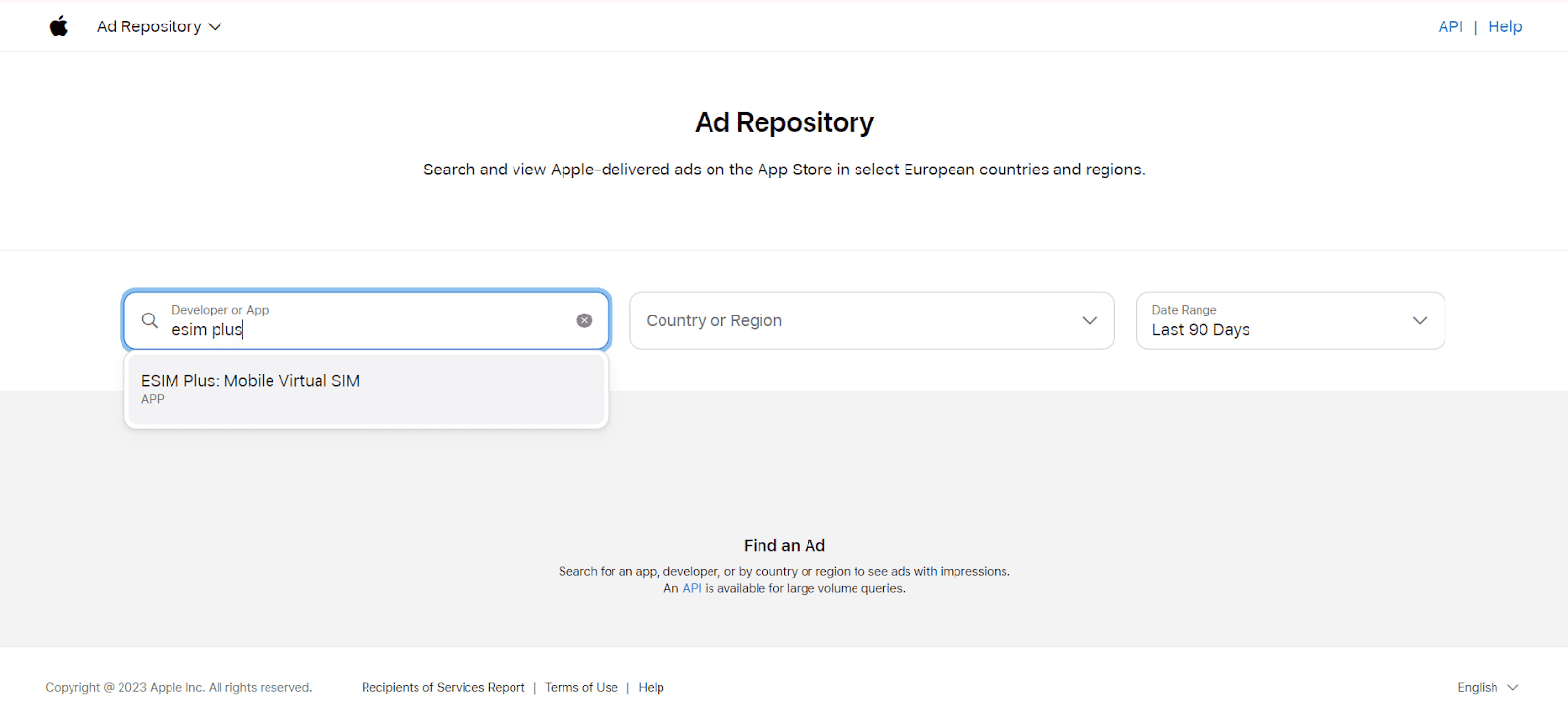
Companies can use the ad library to study the advertising strategies and approaches of their competitors.
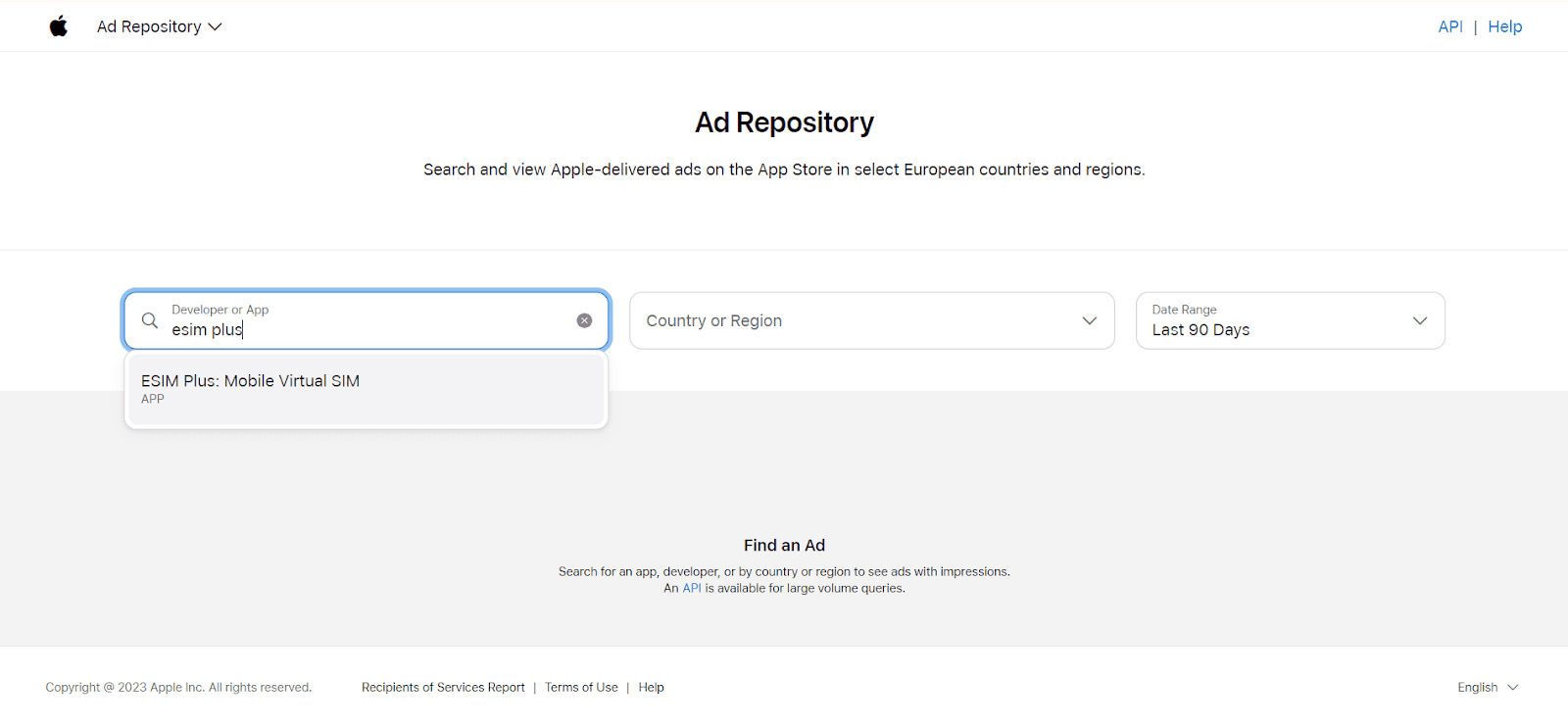
To search for the necessary advertising activities, you need to know the developer’s name or the application’s name:
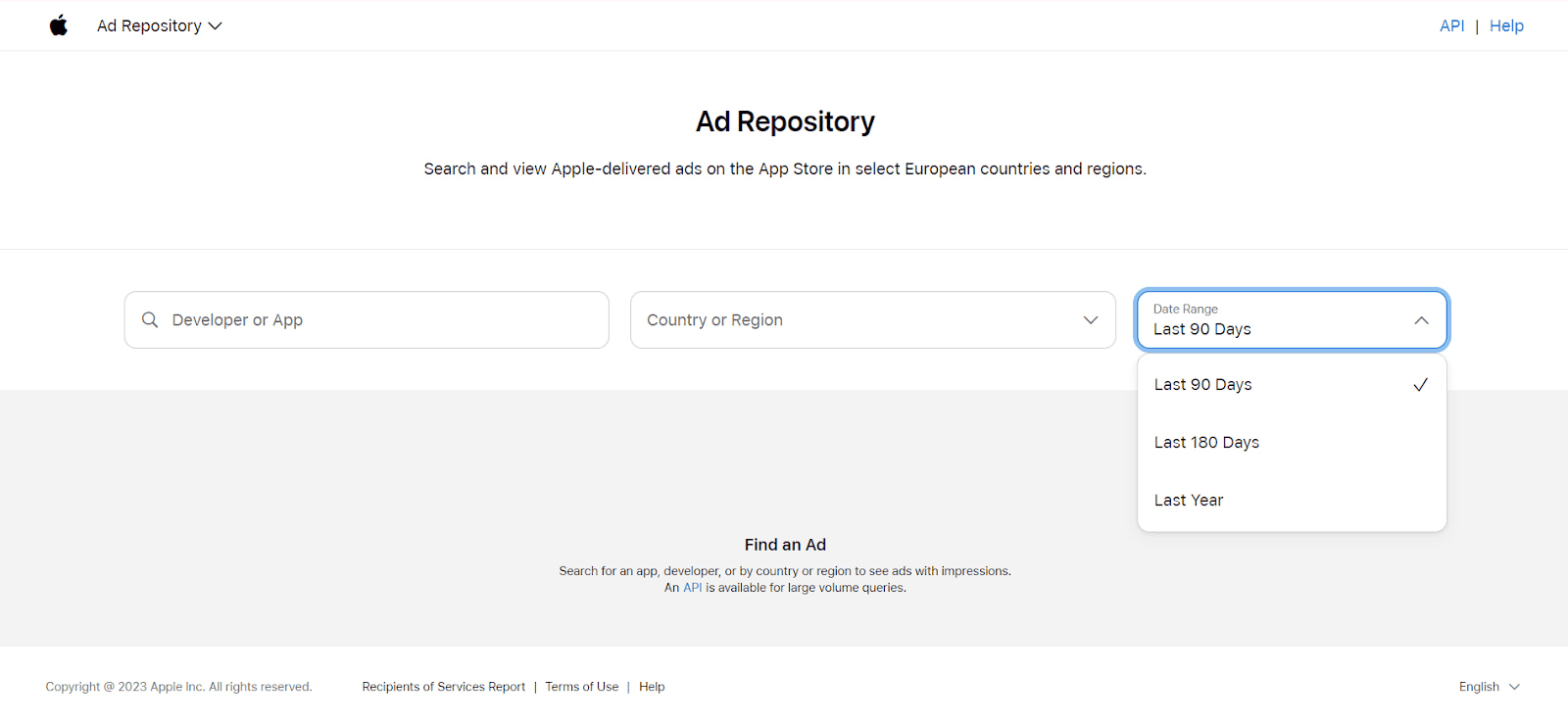
Additionally, there is a time period filter setting:
Without additional filters, the ads are shown for all geolocations where they are launched.
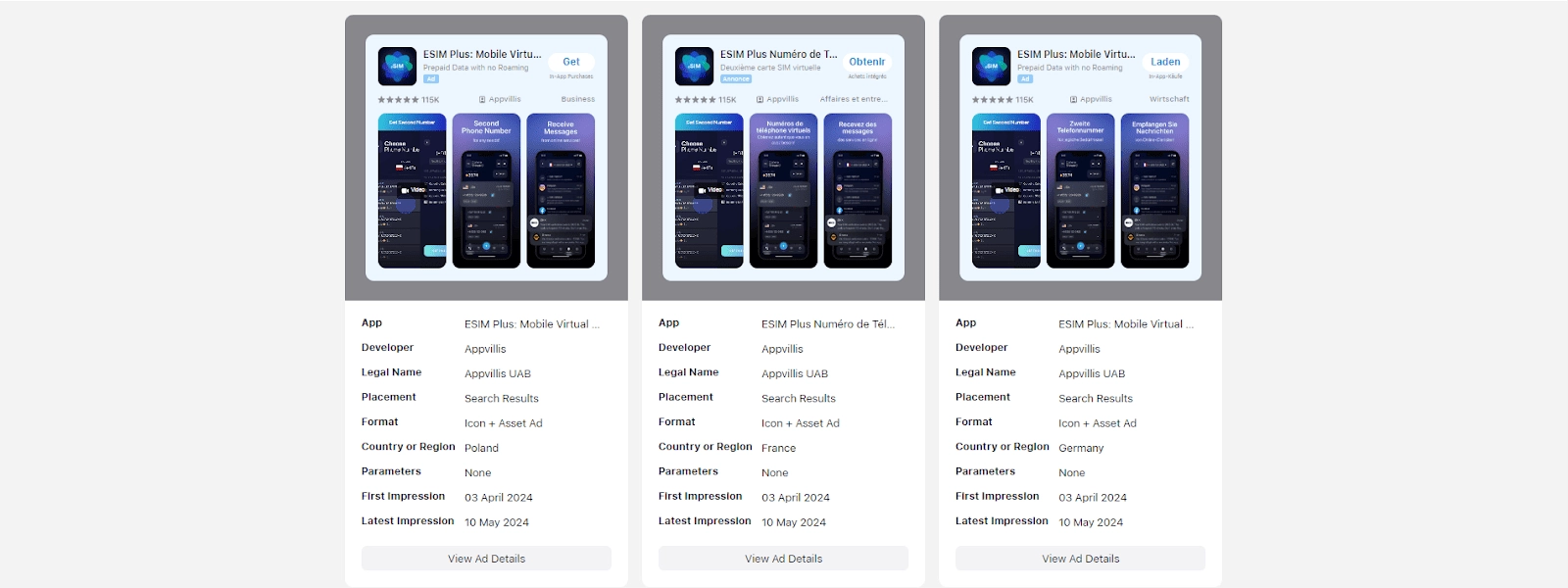
However, you can select a specific country where the ad was displayed and view it:
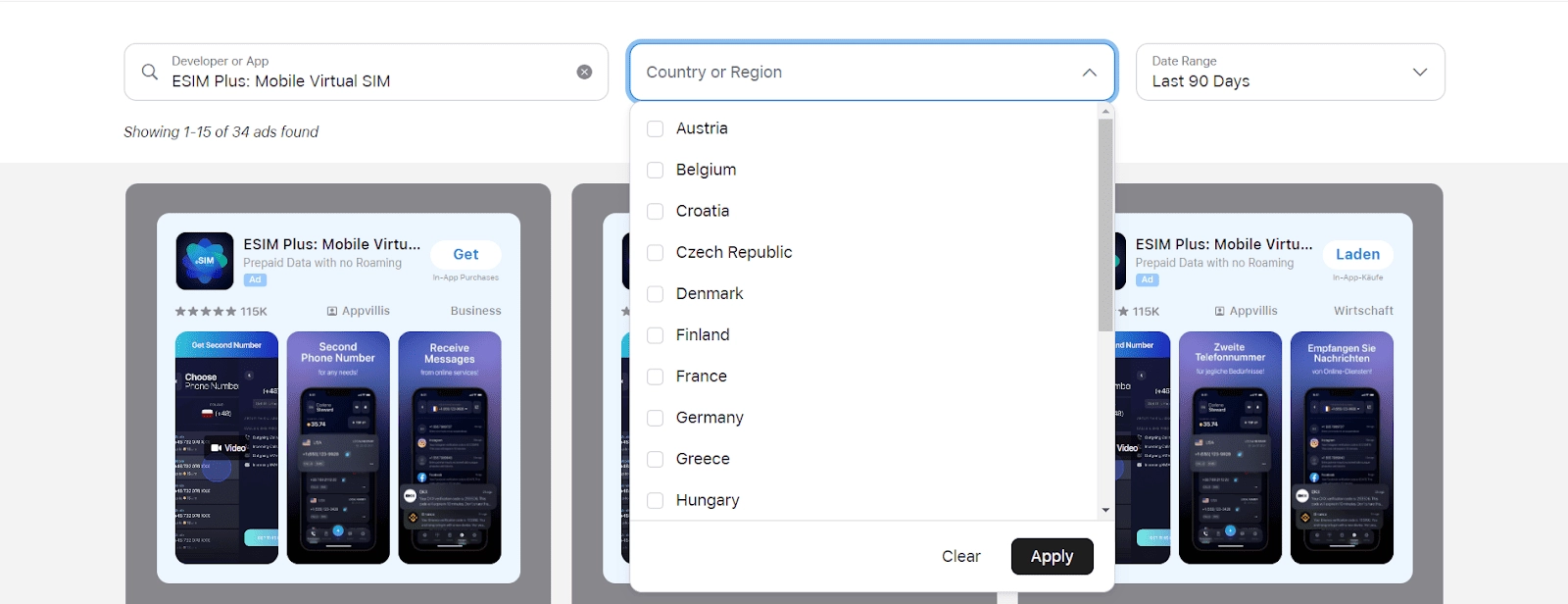
The Apple Ad Repository contains the following data:
When viewing the details of an ad campaign, you can also find the following information:
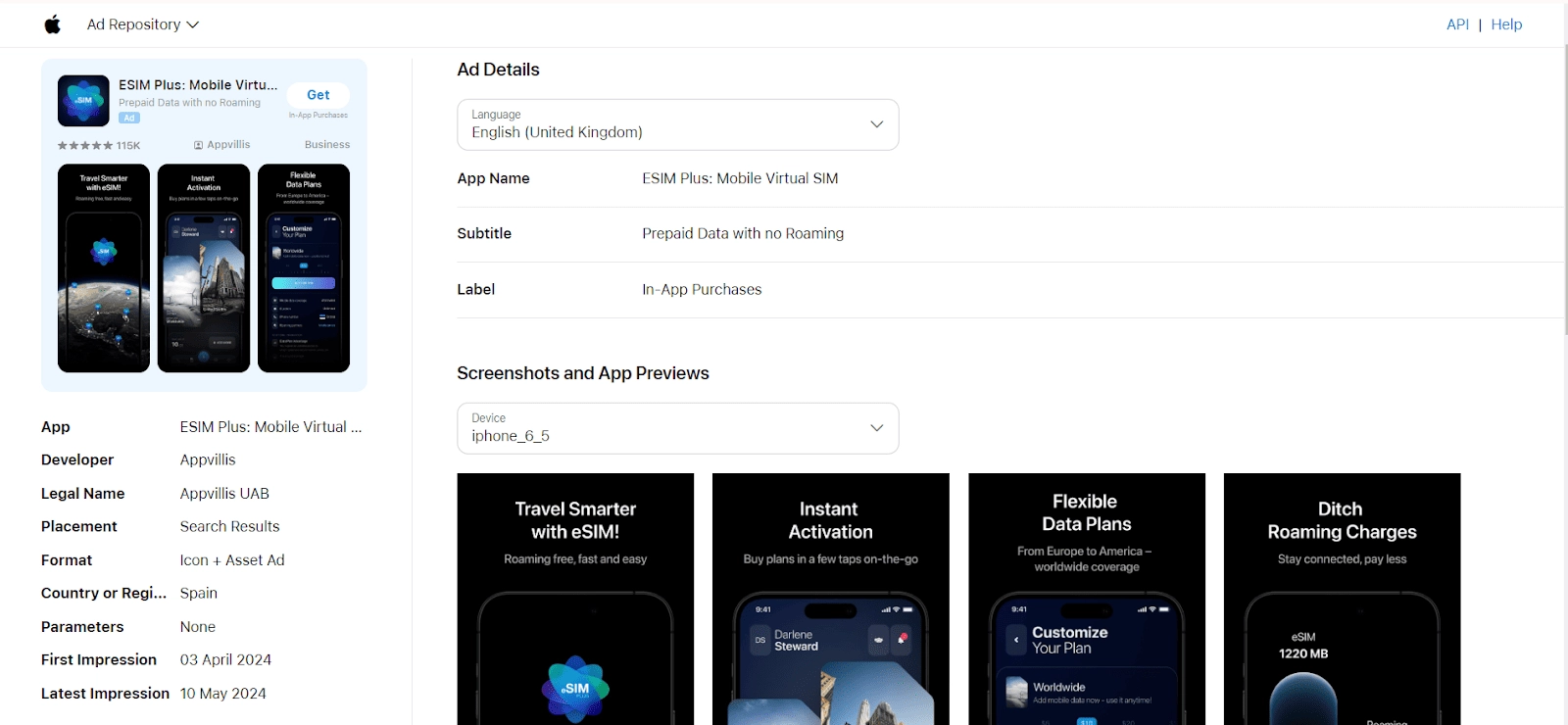
Additionally, screenshots and a preview of the app from the App Store are provided:

It is worth noting that the Apple Ad Repository is unique in its kind, so comparing it with similar tools for optimizing ad campaigns is impossible. A significant downside of this tool is the lack of keyword search. Finding an app is not difficult if you know the exact company or app name.
LinkedIn Ad Library is an online database containing all active ads placed on LinkedIn. It is accessible to all users without the need for registration or authorization.

Thus, LinkedIn Ad Library is a free tool that enhances the transparency of advertising activities on the LinkedIn platform and provides users with opportunities to analyze and study ad campaigns.
It is possible to set up a search by the company’s name or a keyword it contains, search by keyword in the ad description, and also filter by country and the period the ad was posted.

After filling in the required fields, the number of ads relevant to our query will be shown:

LinkedIn allows viewing all found ads and various size variations. We can see the company name promoting the ad, as well as the text and creative of the ad. Detailed information is also available.
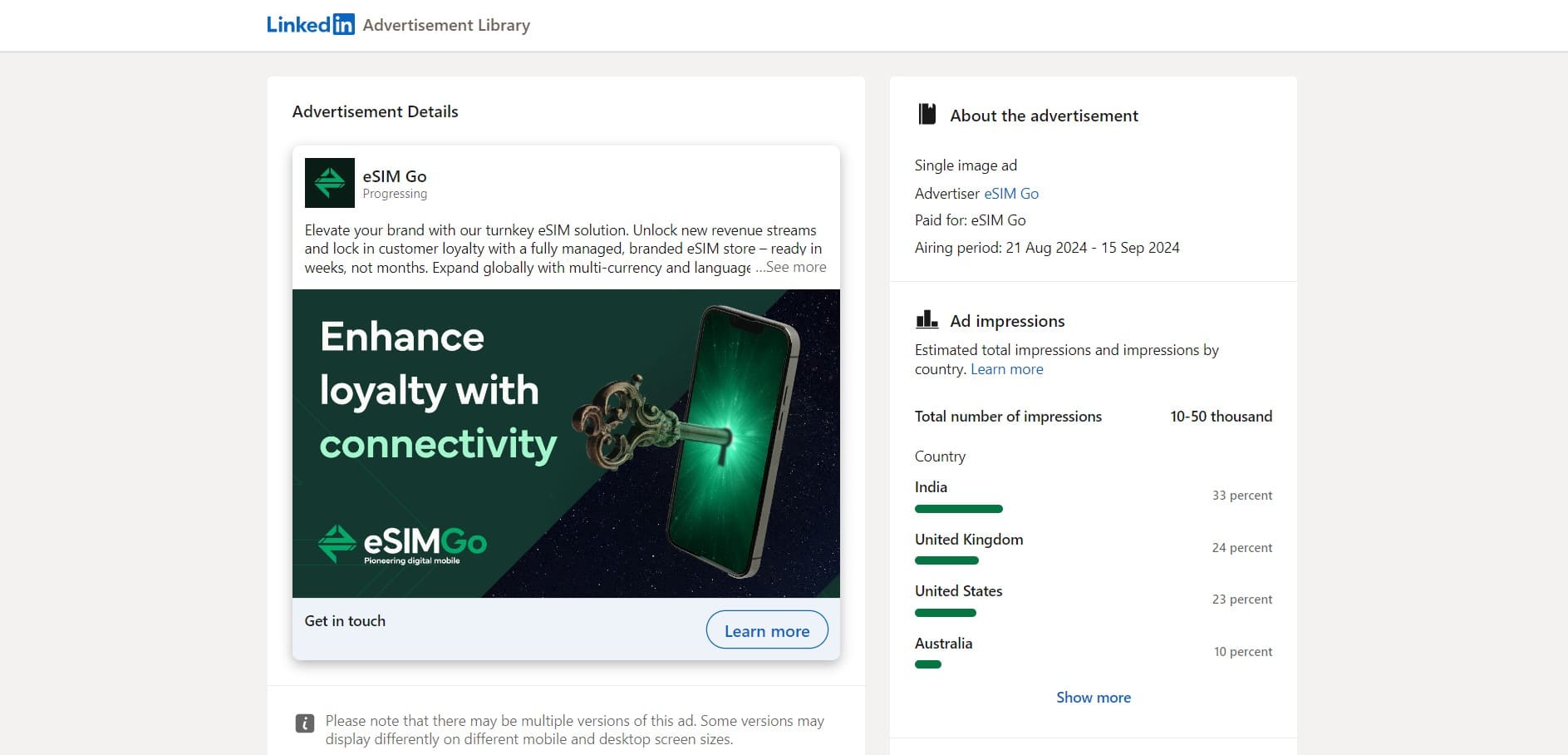
The creative and ad information provided includes:
LinkedIn provides open access to campaign impression information, including:
LinkedIn Ad Library is an excellent tool for finding and analyzing ads and creatives targeting a more affluent and business-oriented audience. Functionally, LinkedIn Advertising Library is comparable to Facebook Ads Library but falls short of TikTok Creative Center.
X Ads is a transparent platform where marketers and advertisers can explore competitors’ strategies and improve their own campaigns. The key features of the X Ads Library include:
1. Launch the ad repository.
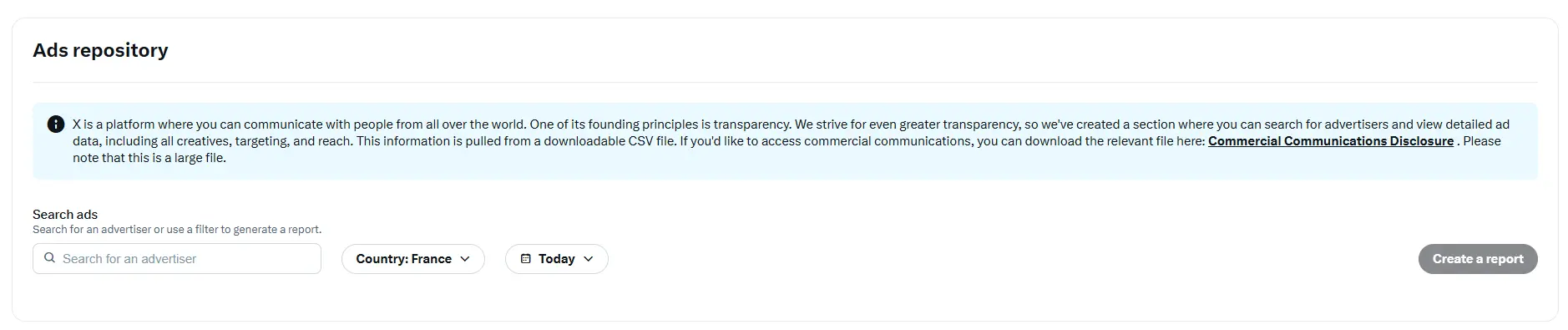
2. In the window that opens, select the required display date. The platform shows ads for a day, a week, a quarter, or a year.
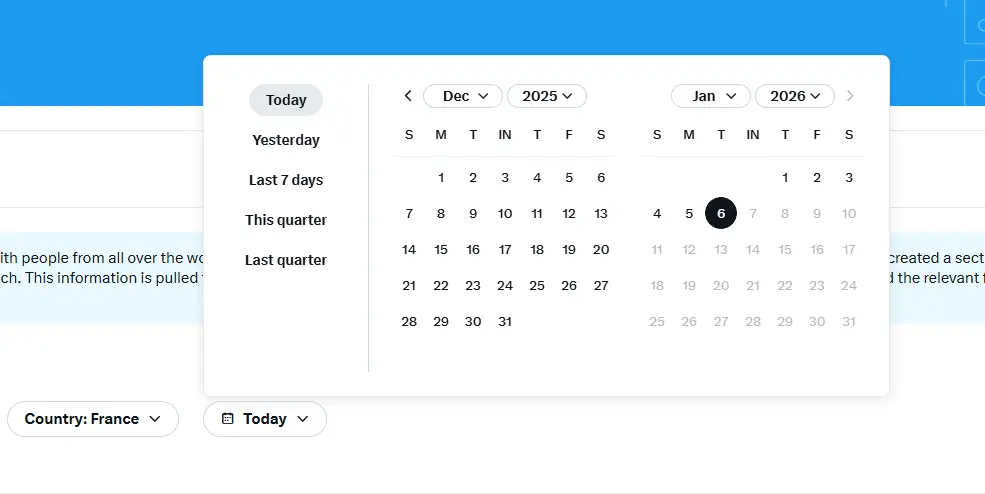
3. Once the reporting period is set, choose a country from the list provided.
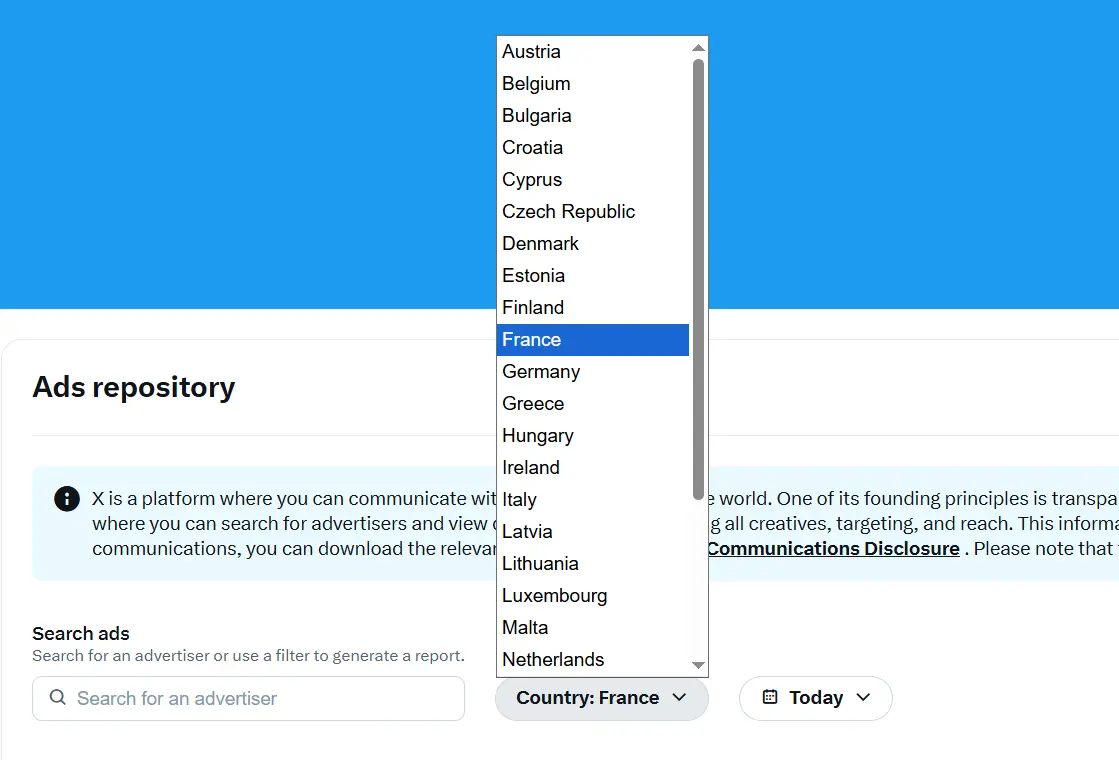
4. Enter the company name creatives you want to analyze in the search bar and run the report. After the data is loaded, you will receive a CSV file for the selected period containing the following information: creatives, campaign period, target segments, excluded audiences, reach, suspension records, and more.
The X Ads Library is an excellent tool for competitive intelligence and auditing your own strategy, helping you avoid critical mistakes.
YouTube Ads is a free ad library that allows you to analyze advertising campaigns on YouTube. In an increasingly competitive environment it’s a strategic necessity for several reasons:
1. Open the Ads Library. The basic interface is similar to the Google Ads repository.
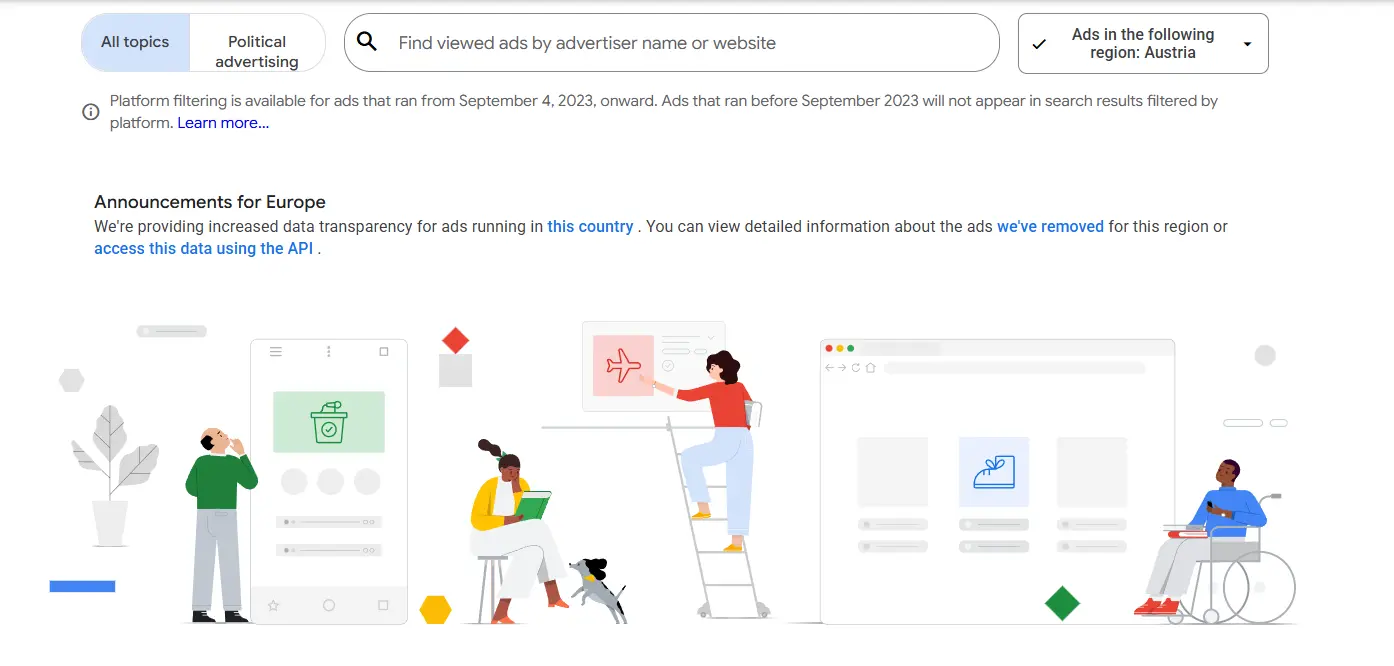
2. To view ads, select the desired region. You can choose a specific country or select the “All” option to analyze campaigns across all geographies.
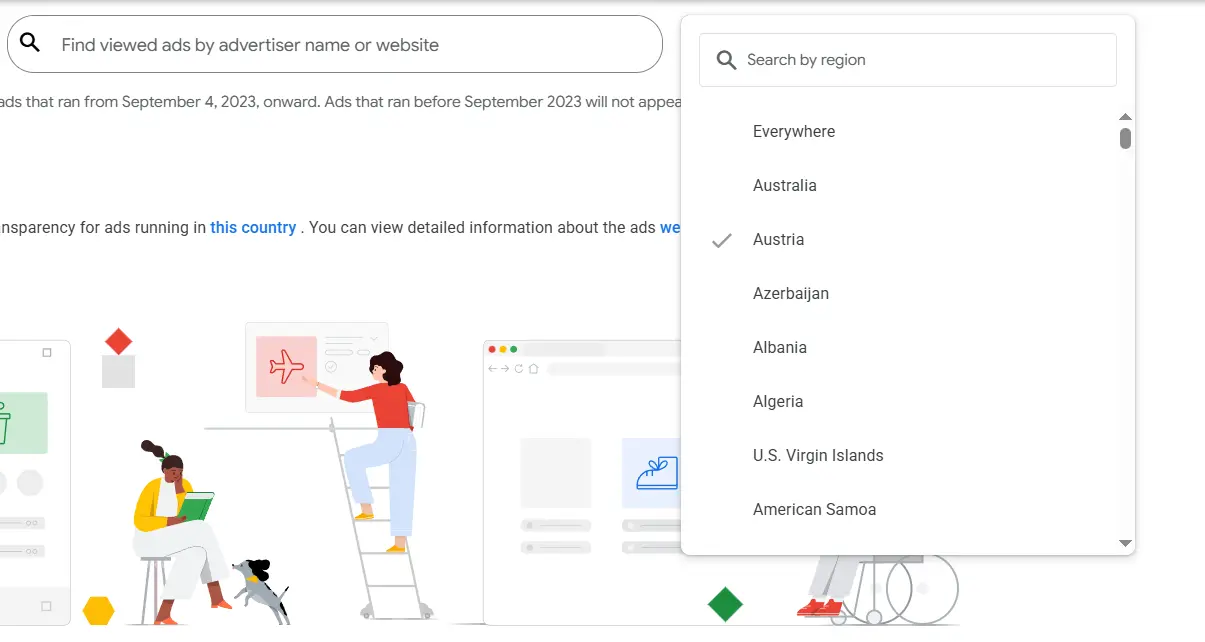
3. By entering a company name in the search bar, you will get a list of its YouTube ads.
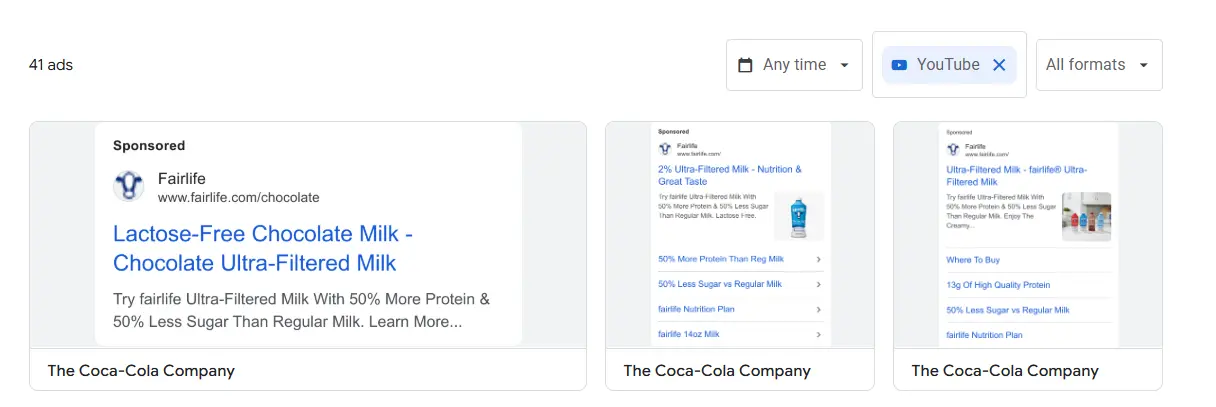
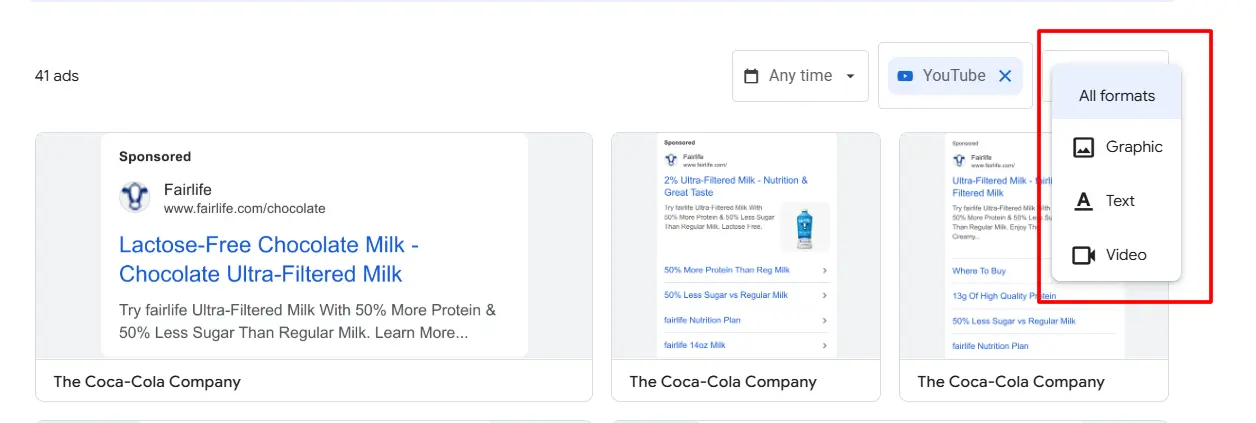
Ads can be filtered by format: display, text, or video.
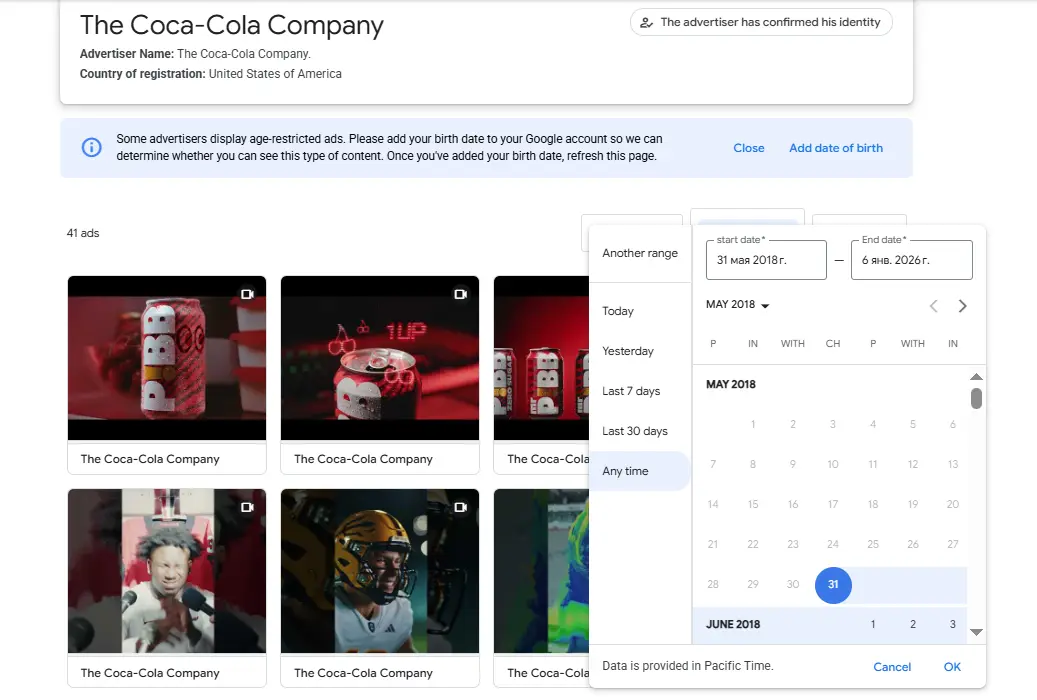
You can also select the ad run period in the YouTube Ads Library.
4. Once all the necessary settings are applied, you will receive a selection of creatives for analysis for a specific time period and chosen geo. You can click on each ad to view the last run date, the advertiser, play the video, and evaluate it.
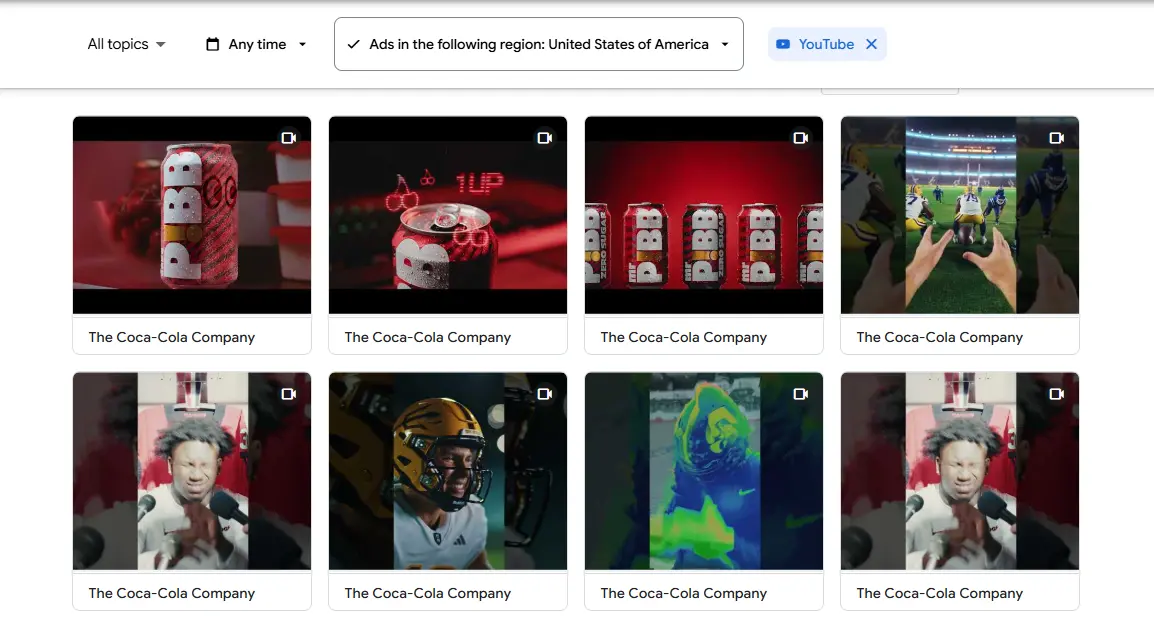
Overall, the YouTube Ads Library allows you to assess the tone, visual style, and script structure of campaigns. It’s a useful tool for understanding how brands use paid content on YouTube and for building your own performance-driven strategy.
Snap Ads Gallery is a collection of standout ad creatives from brands around the world. Exploring the Snapchat Ads Gallery helps you understand the language of Millennials and Gen Z, learn the variety of ad formats available on the platform, get inspired with creative ideas for your own ads, and more. The service is free and doesn’t require any special registration.
1. Go to the Snap Ads Gallery.
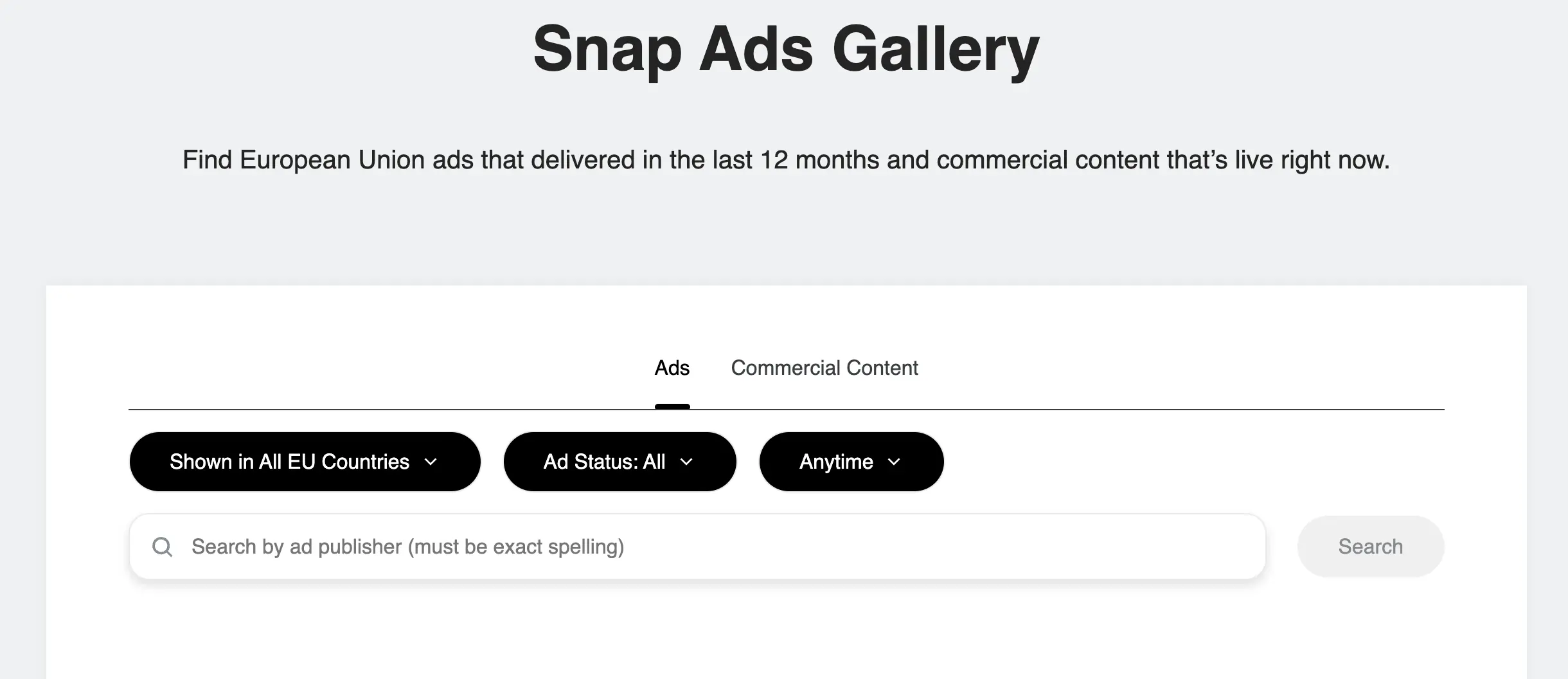
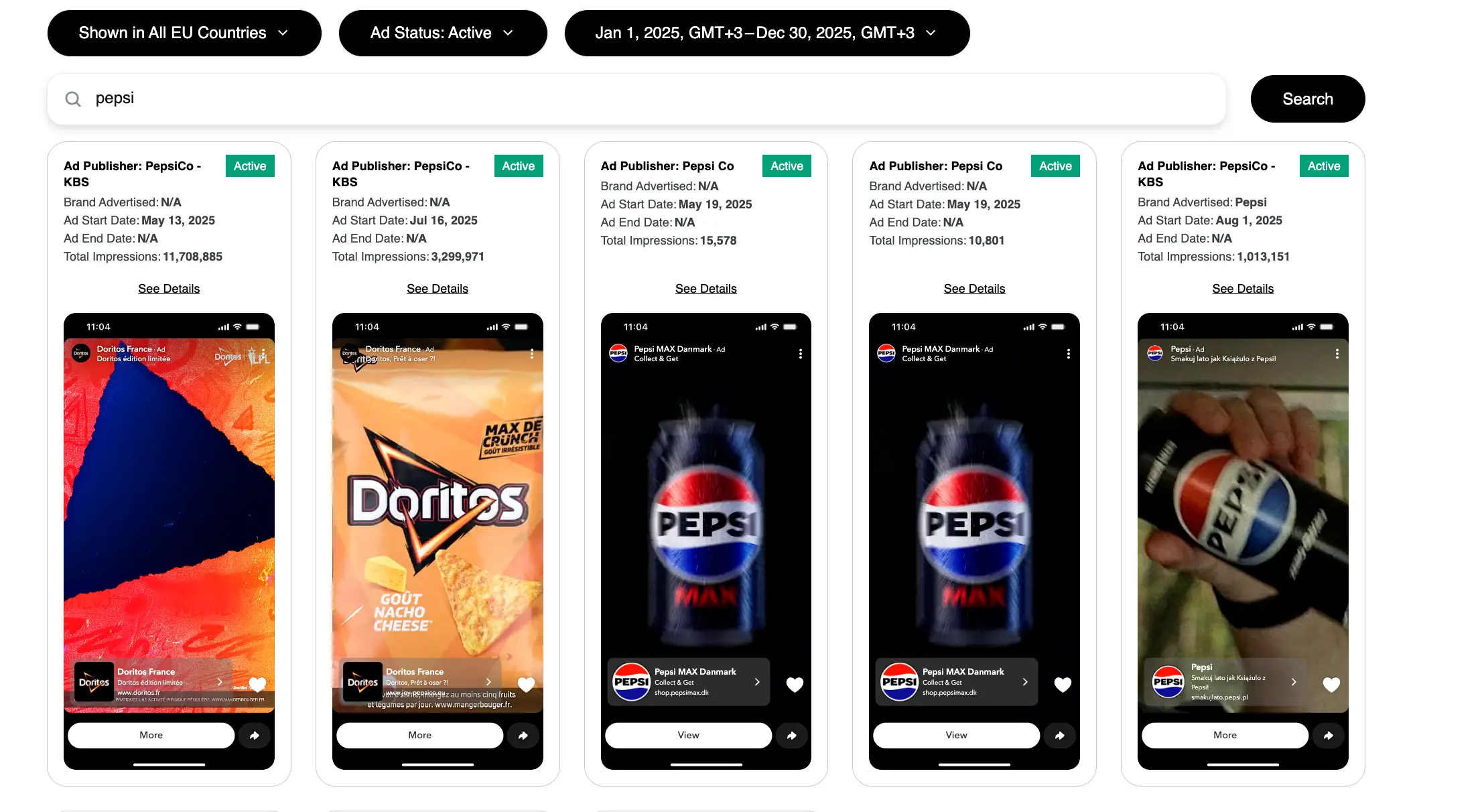
2. In the window that opens, you can filter ads by geo. Depending on the region you’re interested in for a competitor’s ads, you can select a specific country or leave the default option “Show in all EU countries.”
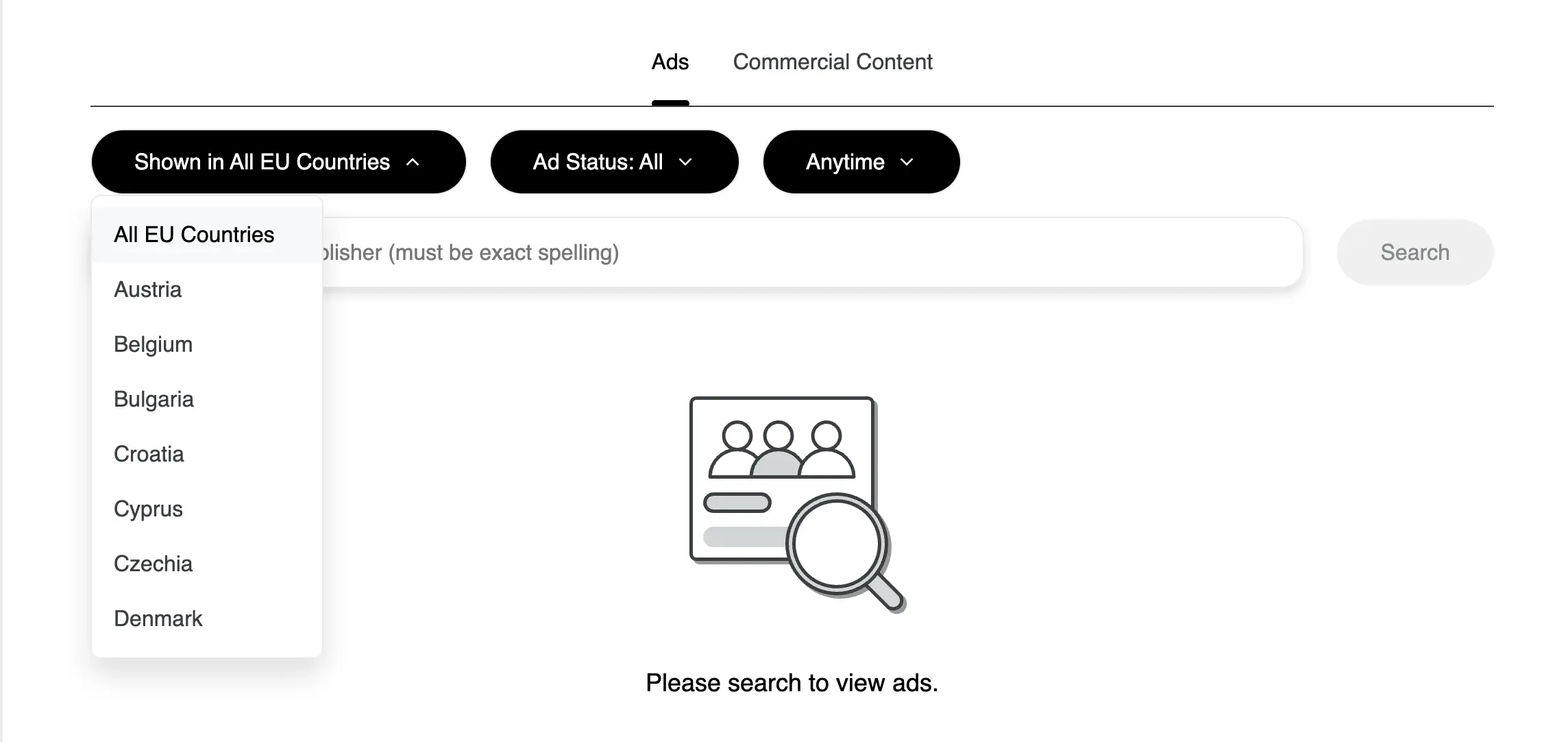
3. Moreover, you can sort creatives by three statuses: “All,” “Active,” and “Paused.”
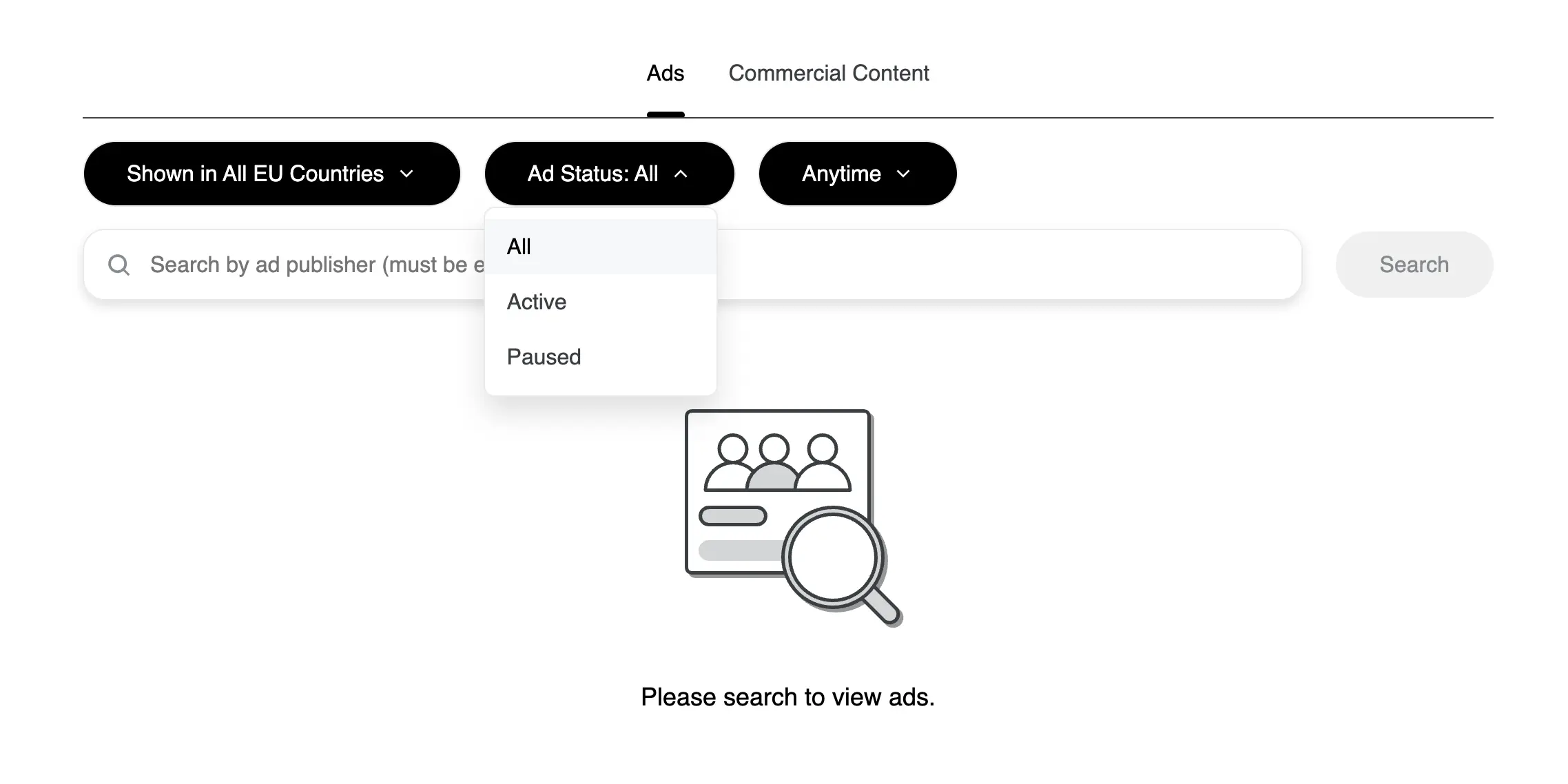
4. In this section, choose the time period for which you want to view creatives by setting the date, month, and year. In the search field, enter the company name. It’s important to note that if a competitor doesn’t have a Snapchat account, you won’t be able to find information about them in the ad library.
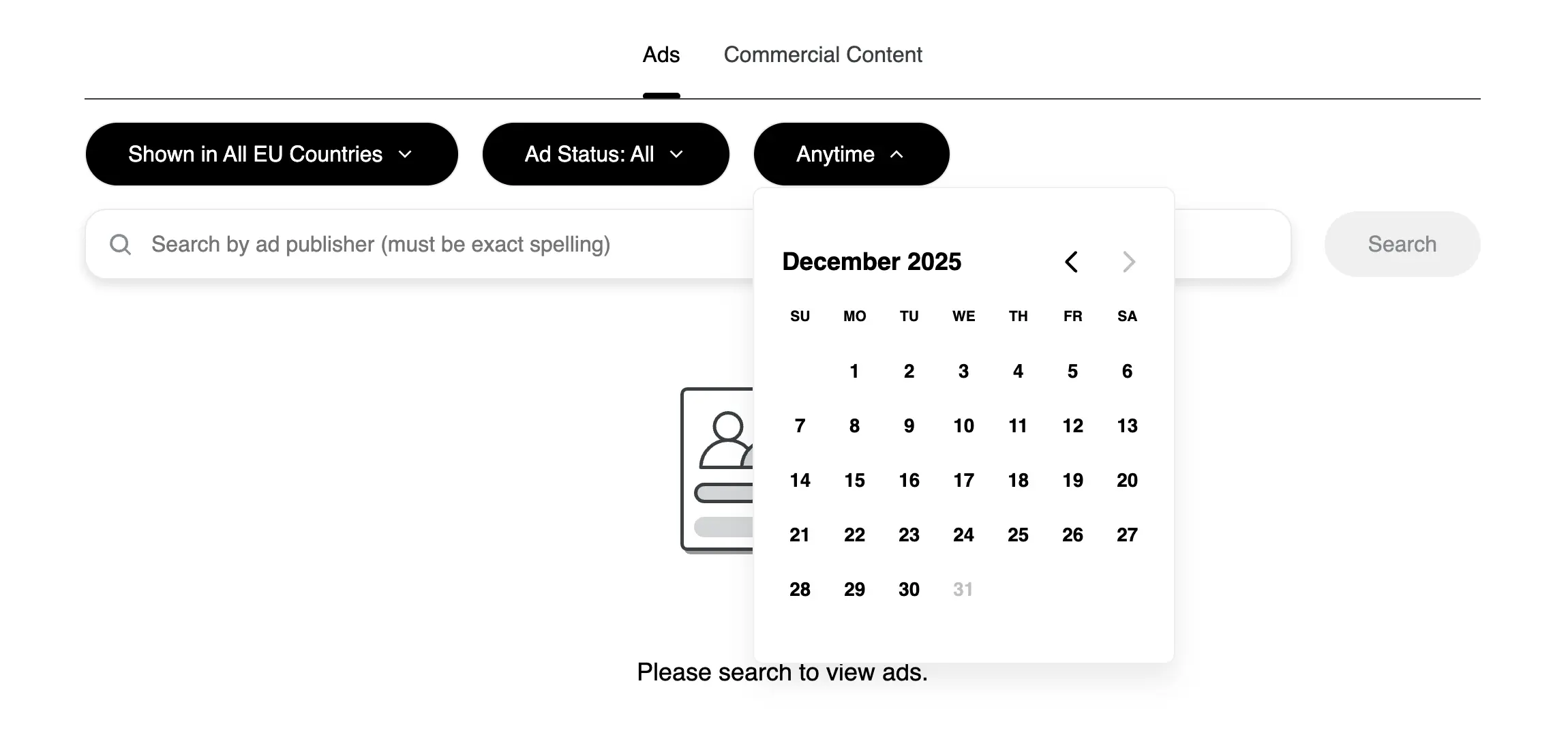
5. After filling in all the fields, the Snap Ads Gallery ad library will display a selection of your competitors’ creatives. In the preview, you’ll see brief information about the launched campaign. For more detailed insights, click the “View details” button.
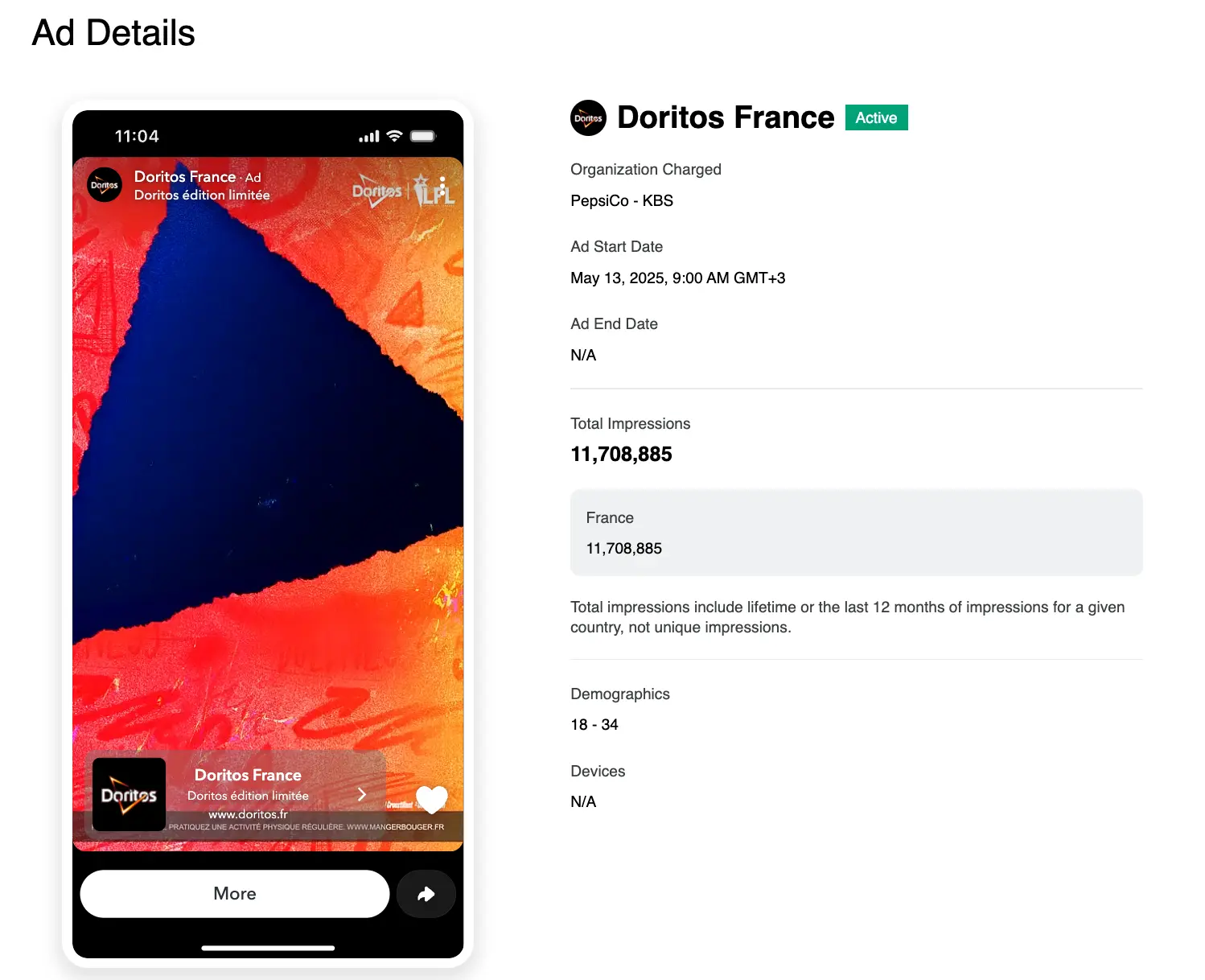
6. After clicking the “View Details” button, a window will open with the full video that you can play, along with detailed campaign information. For example, you can see when the ad was launched, the total number of impressions by country, demographic data, and the devices used to view the ad.
In this way, the Snap Ads Gallery can be considered a strategic tool, allowing you not to guess what works on one of the trendiest platforms, but to build your advertising strategy based on proven, effective solutions.
The Pinterest Ads Library is a free platform that allows you to find and view competitors’ creatives in your niche. Working with the Ads Library lets you:
1. Open the Pinterest Ads repository.
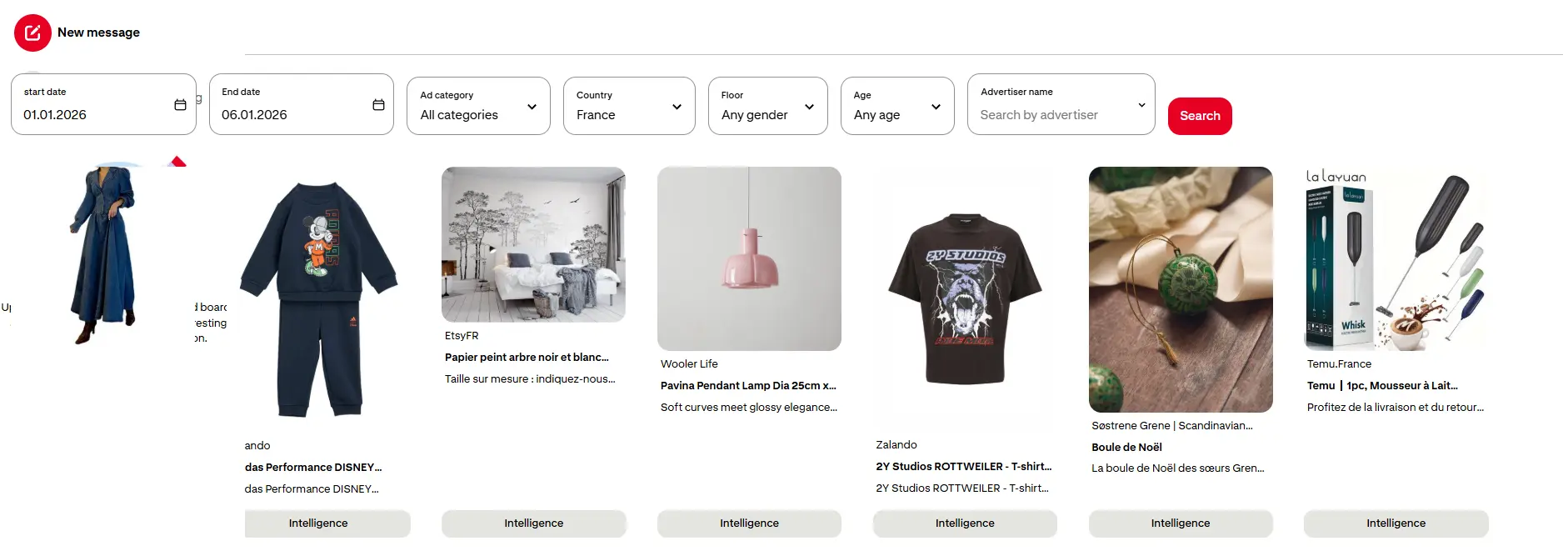
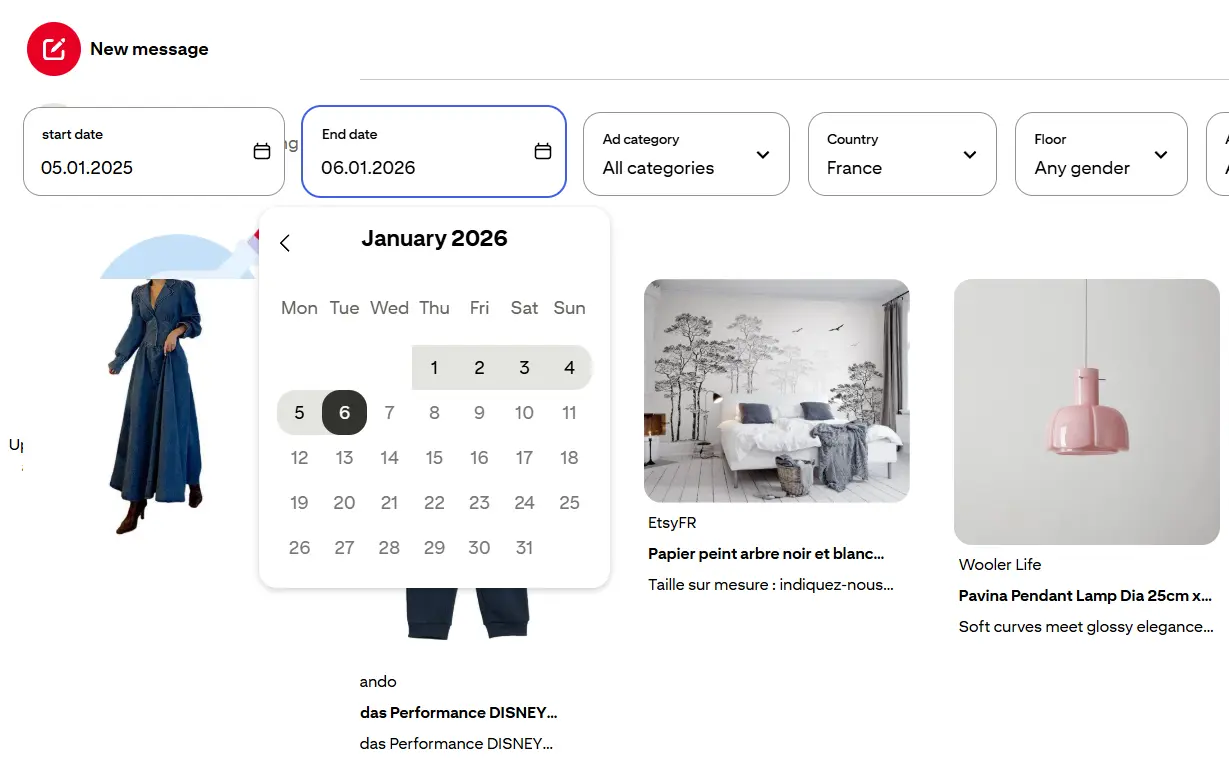
2. The Ads Library offers users a wide range of filters, from date to advertiser name. This filtering allows you to select campaigns more accurately based on demographic criteria. To generate a detailed report, first set the campaign start and end dates.
3. Next, choose the ad category that fits your niche. The Pinterest Ads repository offers 25 categories.
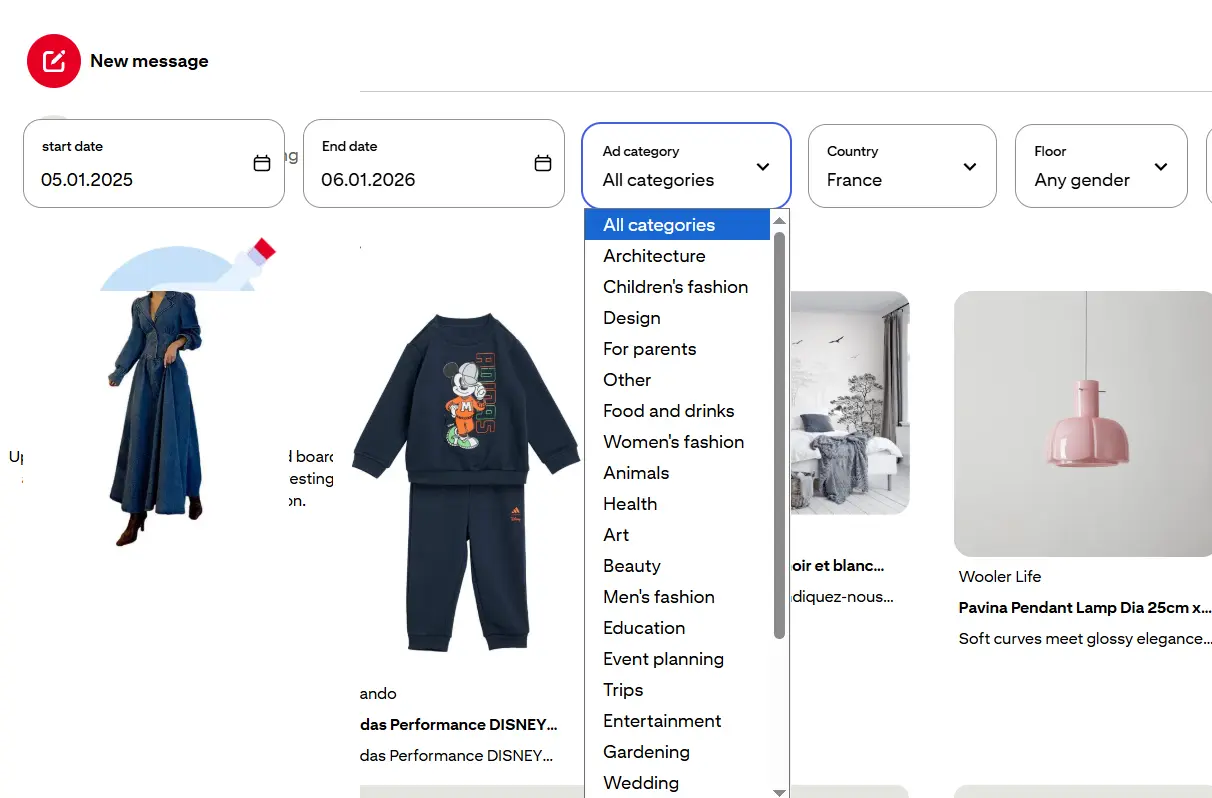
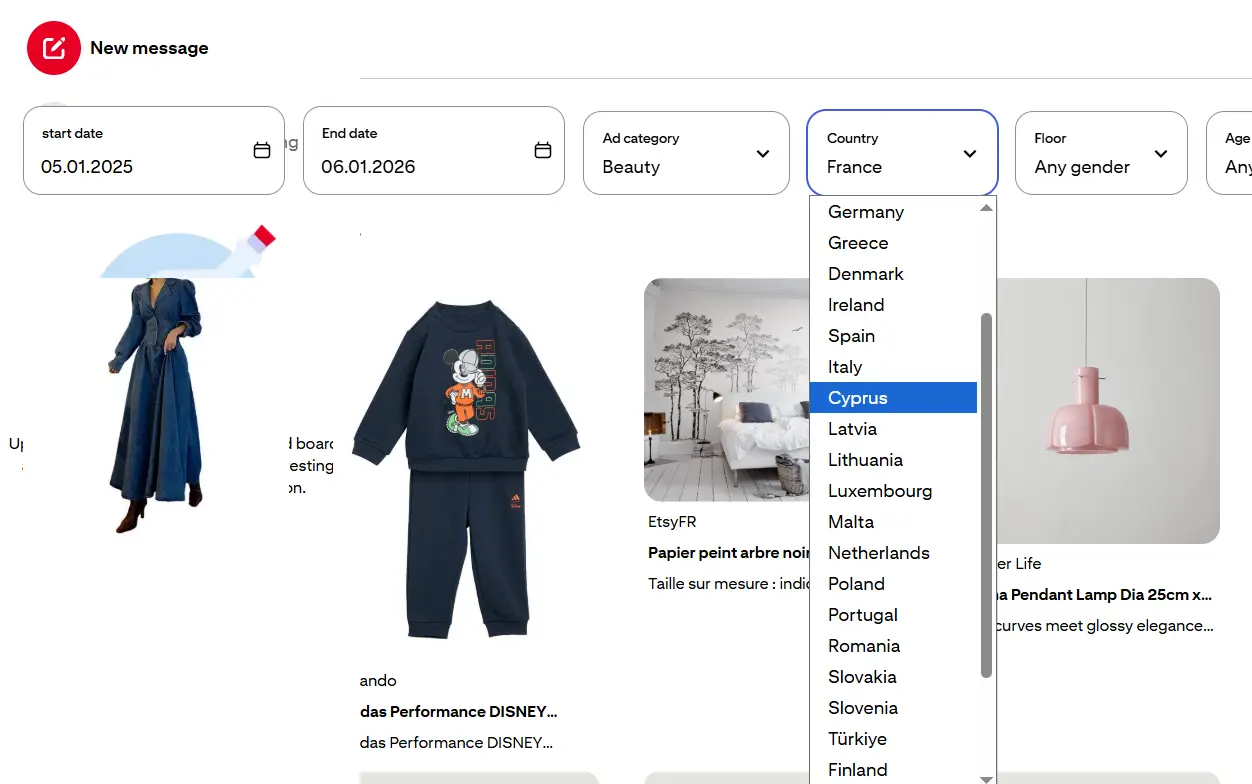
4. To narrow your ad search, select the geographic region from the provided list.
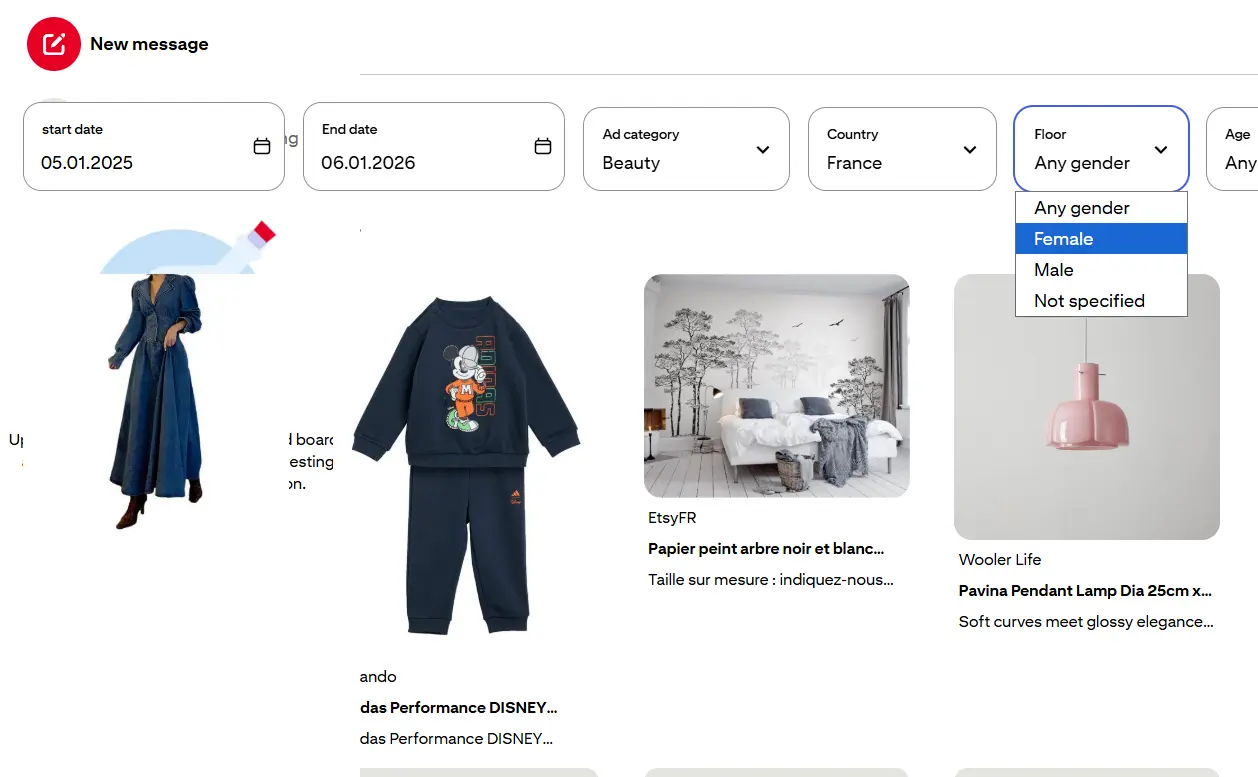
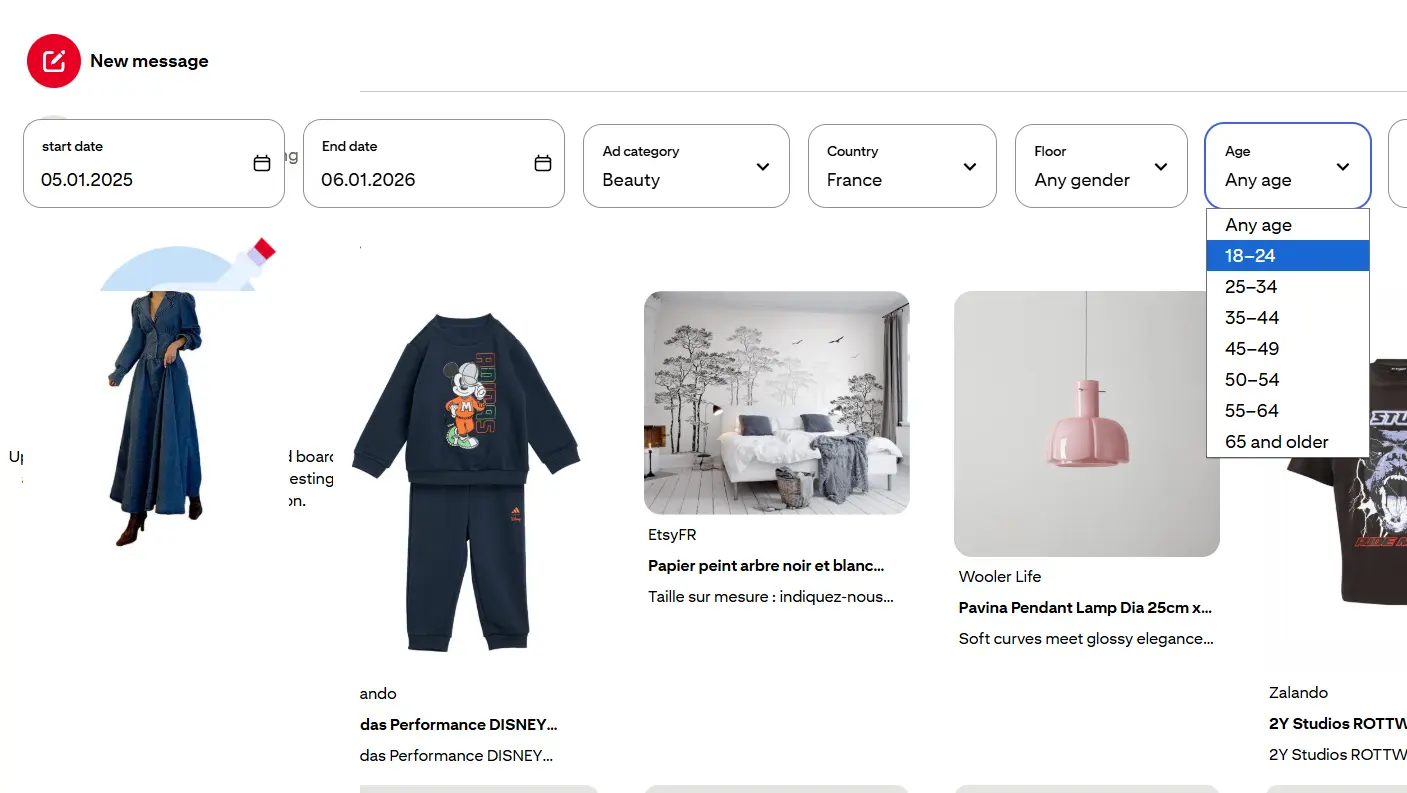
5. One of the advantages of the Pinterest Ads Library is the ability to filter the audience by demographics (gender and age). Set the parameters you need.
6. The final setting for displaying ads is selecting the company. In the dropdown menu, choose a suggested option or enter your own.
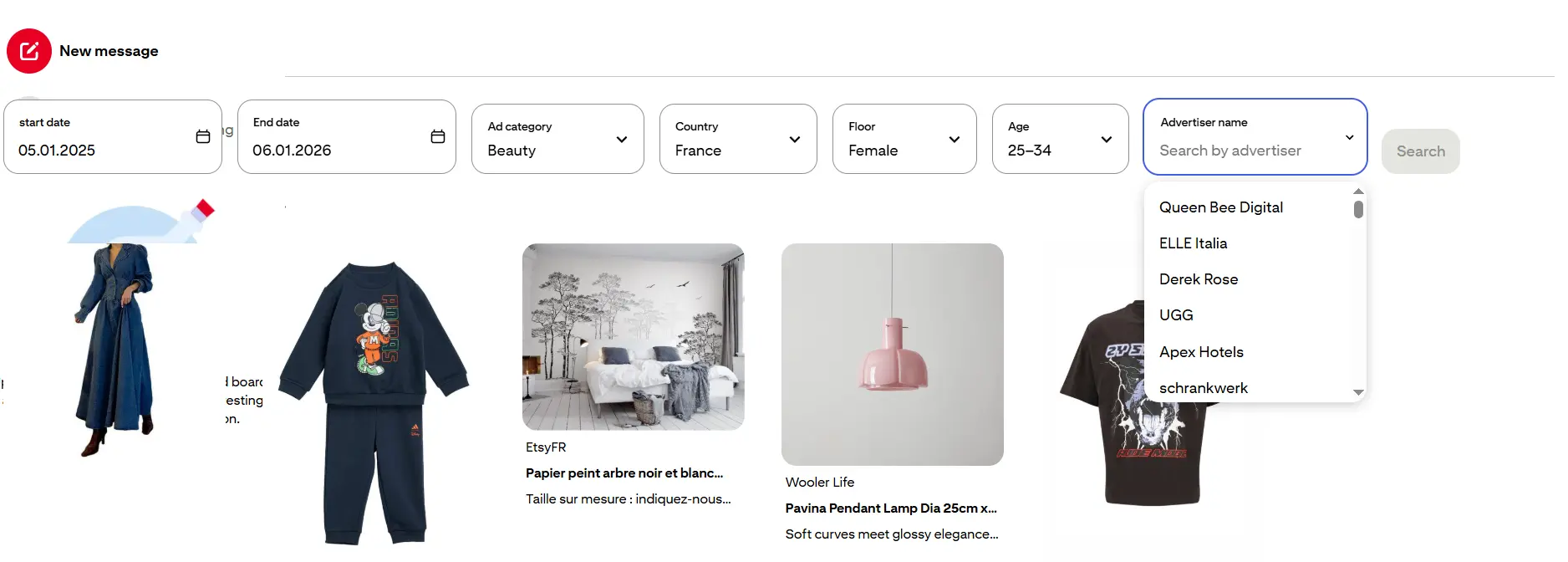
7. If the advertiser has ads that match the settings you specified, the Ads Library will display an archive of the ads. If no suitable creatives are found, you will see an empty list. In that case, you will need to adjust some parameters (country, gender, or age).
8. In the results, you will see several ads with the product card and its name. To get more detailed information, click the “Details” button. This will open a separate window with the campaign characteristics:
— Advertiser name.
— Period.
— Age and gender.
— Excluded locations.
— Keywords and negative keywords used.
— Regions.
— Local assortment targeting.
— Devices.
— EU-wide and country coverage.
Overall, the Pinterest Ads repository is a great tool for analyzing competitors’ ad creatives, especially in e-commerce and retail. The Ads Library helps you stay on top of user trends, which directly impacts key business metrics.
The Amazon Ads Library allows registered users to request information not only on advertising campaigns but also on affiliate marketing in EU countries. The Ads Library is completely free, but it requires a developer account or a security profile (LwA) linked to your account to view up to 1,000 results per query.
1. Log in to your developer account or create one. After logging in, you will need to authenticate via LwA.
2. Create your query using parameters such as:
— Keywords.
— Region.
— Ad type (Sponsored Products, Sponsored Brands, etc.).
3. As a result, you can access up to 1,000 ads per query and export the data for further analysis.
Ad libraries are like reference books for advertising professionals. They help to learn how competitors advertise their products, which ads perform better, and which do not.
Using ad libraries helps to make ads more effective, and better understand the market, as well as be informed about the latest news, study competitors, and create successful advertising campaigns.
If you’d like to save your time and resources, and trust this process to professionals, contact us.
The technological evolution has brought to the film industry. We have moved from black-and-white films to color ones, and from...

Motion graphics have become ubiquitous, appearing in advertising, film, mobile applications, and on websites. They help convey a product or...